
Start from your environment.
A useful backup begins by knowing what you want to find: post documents, shared files, application data or virtual machine. These needs do not always relate to the same volumes or priorities. Agedis helps you to distinguish the sources to be protected, understand their role and prepare a solution adapted to your company's uses and technical constraints.
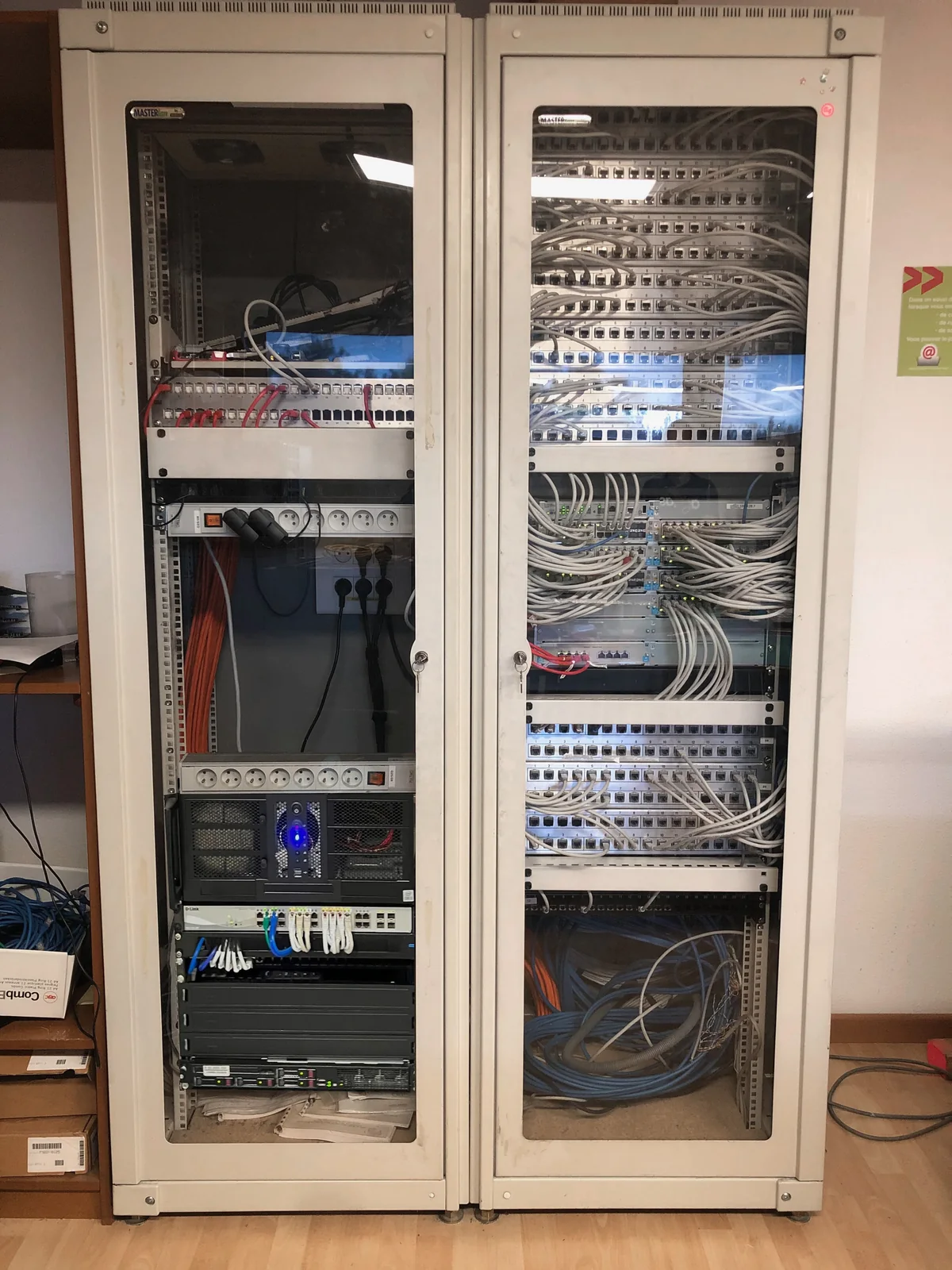
Local storage and an external copy can serve complementary purposes. In an architecture studied by the team, backups of workstations and virtual machines are separated, with a section provided for the data center. This type of thinking makes it possible to discuss capabilities, connections and responsibilities before selecting an organization. The precise commitments are defined at the level of the project and the chosen service.
Define what matters
We discuss the data, applications and equipment concerned. It is useful to distinguish priority items from data that can be retrieved later.
Choose the organization of copies
Locations, capacity and shelf life must be dimensioned. The remote copy is prepared with the connection possibilities and the conditions of access to the backups.
Provide for restorations
The question of data return must be asked from the start: what to restore, for whom and in what environment? The necessary checks are organized within the agreed scope.
Start with the data you need to find
The documents of a workstation, a virtual server and the contents of a Microsoft 365 environment require an explicit scope. We identify where the data is actually stored, who uses it and what needs to be protected. A computer's local folders can escape a server-centric device; an online service should also be considered based on its retention features and your recovery needs.
You must then specify what the company wants to find: a deleted file, a mailbox, a set of folders or a complete system. These scenarios do not involve the same tools or the same operations. They provide a concrete basis for choosing the device with you.
Frequency, conservation and location: different choices
The frequency of copies determines the available recovery points. The shelf life responds to the possibility of returning to an older state. The necessary capacity depends on the volumes, their evolution and the operation of the tool selected. We look at these settings together, rather than shrinking the backup to disk size.
A local copy and a copy in a separate environment can meet additional needs. The project must specify the access to these copies and the conditions for their retrieval. For the outsourcing component, Cloudlab brings data center competence; Agedis prepares the agreed software perimeter, configuration and tracking. A particular location or protection must be confirmed in the proposal.
Follow copies and prepare a recovery check
Reporting a backup job helps identify a failure, unusual volume, or missing execution. It does not replace a restore check. Depending on the service chosen, a test may relate to a cookie file, email content or an isolated environment, with criteria defined before the operation.
The result indicates what was recovered, from what point and with what conditions. A check on a file gives precise information on this recovery. To check the restart of a service, we define a broader scenario, with the necessary people and means.
Provide for persons and order of recovery
During an incident, business priorities guide the order of recovery. Management software may depend on a server, its accounts and network access; Just making your files available is not always enough. We can help you identify these dependencies, the necessary contacts and the steps to document.
Delays and acceptable data loss are objectives to be discussed with you, then reconciled with the means chosen. A recovery plan is not automatically deducted from a backup subscription. Our intervention serves to make the scope understandable: data included, exclusions, tracking of copies, request methods and planned verifications.
Your questions
Is a backup on NAS enough?
The answer depends on the risks and recovery needs. The NAS may constitute part of the device; an external copy must be studied according to the project.
Does the backup guarantee immediate recovery?
The time frame depends on the volume and the environment to be returned to service. The objectives and means of restoration must be explicitly defined.
Is syncing a folder enough backup?
Synchronization and backup serve different purposes. Consider the propagation of deletions, available versions, and actual recoverability of the service used, and decide whether a separate copy is necessary.
A backup Microsoft 365 Does she understand all the data?
The scope must be specified by service and by account: messaging, files or other content depending on the solution. We check the items included, the exclusions and the restoration methods before accepting an offer.
What recovery time should be allowed?
Recovery time depends on volume, destination, dependencies and available means. A recovery objective is prepared and validated within a defined scope; it is not deduced from the success of the copies alone.
In practice
Set up a Microsoft backup and organize its monitoring
The team prepared a remote intervention with managers spread across several sites, then confirmed the completion of the backup of a tenant Microsoft.
The right skills for the rest of your project.
Preparing the copy to the data center
Cloudlab completes the system when the backups must have an external environment.
Discover this skillTo prepare your decision
Backup, restoration and recovery: what should be found?
To choose a backup, first describe the incident you want to respond to. Finding a document and restarting an activity require different preparations.