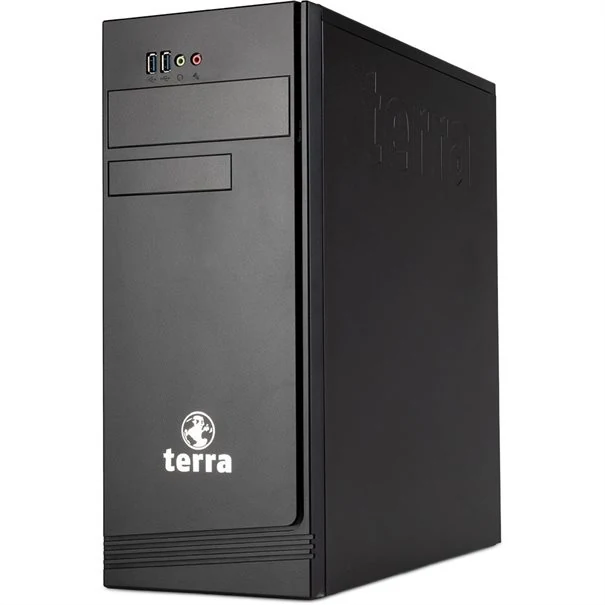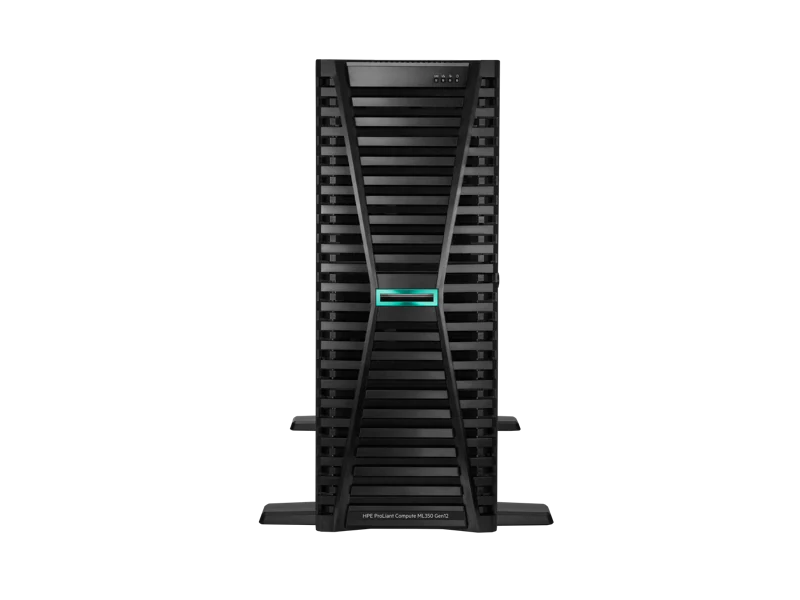
Start from your environment.
The server carries functions that users depend on every day: a management application, files or shared services. Before choosing a machine or an upgrade, you must understand the real needs, the software prerequisites and the resources already available. Agedis supports you in this preparation, then in the installation, configuration and monitoring of the system according to the agreed scope.
A server is not limited to its components. Storage, access, network, backups and administration arrangements must be considered together. Our discussions with publishers and technical interlocutors help to prepare the project's dependencies. We intervene on Windows and Linux environments, with particular attention to the operation of applications and the organization of maintenance over time.
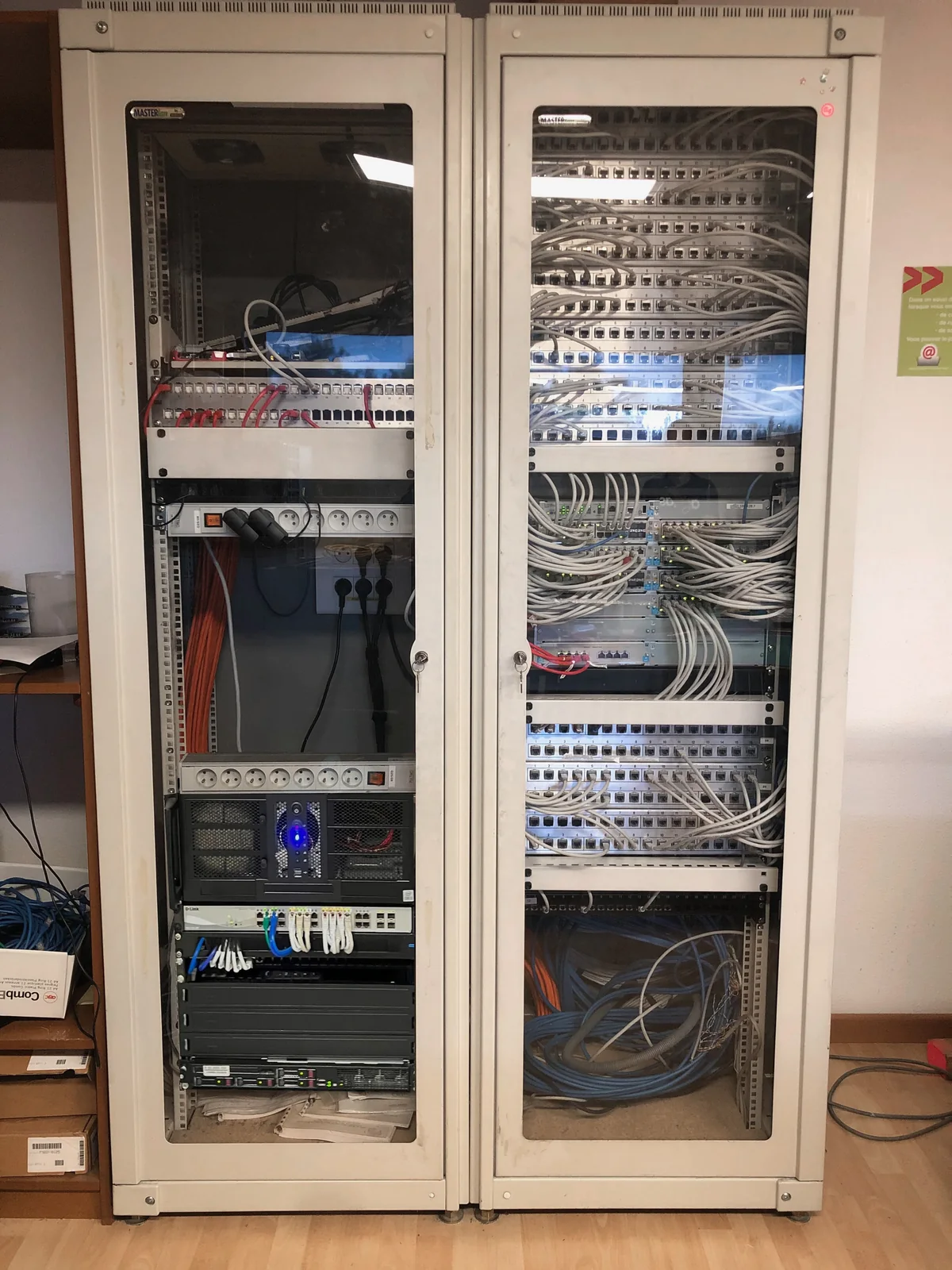
Preparing resources
Processor, memory and storage are defined from the application loads and prerequisites. We distinguish the immediate needs from the developments to be expected with you.
Develop the existing
An increase in capacity can be studied on a server already in place. Compatibility of equipment, system constraints and intervention conditions must be examined before any decision is taken.
Organize the operation
Authorized persons, backups and monitoring of changes must be identified. This organization facilitates interventions and clarifies responsibilities around hosted services.
What services does your server have to render?
A file server, an accounting application and a remote desktop do not solicit the environment in the same way. We identify the software used, the teams involved, the schedule of activities and the exchanges with the other tools. This work allows you to determine the functions to keep and the dependencies to check with your editor, before stopping a configuration.
Sizing concerns computing resources, memory, storage and network, but also the space available for backups and upgrades. A physical machine, a virtual machine on your premises or a system hosted in a data center are possibilities to compare with your access and operating constraints.
Installation, accounts and access: a concrete scope
Depending on the project, the service can cover the installation of the Windows Server or Linux system, the creation of accounts and groups, shared folders and associated rights. For Windows environments, we are studying the requirements for Active Directory and Remote Desktop RDS with the corresponding license conditions and application requirements.
Administration identifiers, user access and those of an application provider fulfill different roles. We prepare their organization with your manager. A right to write to a file or access to management software must arise from a validated need, then be verified in a representative session.
Migrate without forgetting the work environment
Recovery distinguishes between shared data, user profiles, applications and messaging. We agree on the elements to be transferred, the intervention window and the expected checks. A prior backup and the possibilities of return are studied before the changeover; their scope depends on the system and contract chosen.
At the end of the transfer, useful controls include opening sessions, reading and saving files, launching applications and necessary devices. The report separates what has been achieved, which has been tested and the points still to be validated by the users. This distinction avoids confusing a server that starts with a fully accepted working environment.
Preparing also for the following months
A server project may include an inventory of installed roles, a summary of accesses, backup modalities and a list of remaining interventions. We define with you who follows the alerts, who decides the changes and how the requests are transmitted. The management is an operating perimeter to be specified, beyond the initial installation.
Our experience of migrating to a virtualized server describes the creation of the Windows environment, the resumption of data and profiles, then an adjustment of the remote desktop after slowness. For a new hosted project, Agedis supports the system while Cloudlab provides the data center component. Adaptations to the business software can be studied with Dtouch or with your usual editor.
Your questions
Does the server have to stay on our premises?
This choice depends on the applications, access and your organization. Agedis studies the system; Cloudlab completes the consideration when hosting a data center is considered.
Can you intervene with our software editor?
Yes. The preparation can integrate the publisher's prerequisites and the coordination of interventions, in order to specify what is relevant to the system and the application.
Can we keep an old business application?
We examine its system requirements, licenses, data and the possibilities offered by the publisher. Virtualization can be an avenue for recovery; it does not alone guarantee compatibility or continued support of the application.
Can users work remotely?
The need is prepared with applications, rights, connection quality and authentication methods. An RDS remote desktop or other architecture may be investigated; licenses and access conditions are part of the scope to be validated.
What do we need to get to encrypt the project?
The functions of the server, the software and their publishers, the number of users, the volumes to be resumed, the existing equipment and the periods during which an interruption can be considered. Confidential access is exchanged by a suitable means, never in the public form.
In practice
Migrate a work environment to a virtualized server
Creation of a virtual machine, setting up accounts and remote desktop, then resuming data, profiles and messaging: a migration described by the Agedis team.
The right skills for the rest of your project.
Study the datacenter component
Cloudlab provides the host environment when the project provides for external hosting.
Discover this skillLinking infrastructure and application
Dtouch completes projects that require adaptation of business software.
Discover this skillTo prepare your decision
Replace a server: preparing decisions and tipping
To prepare for replacing a server, first list the functions that your team must find after the change.