
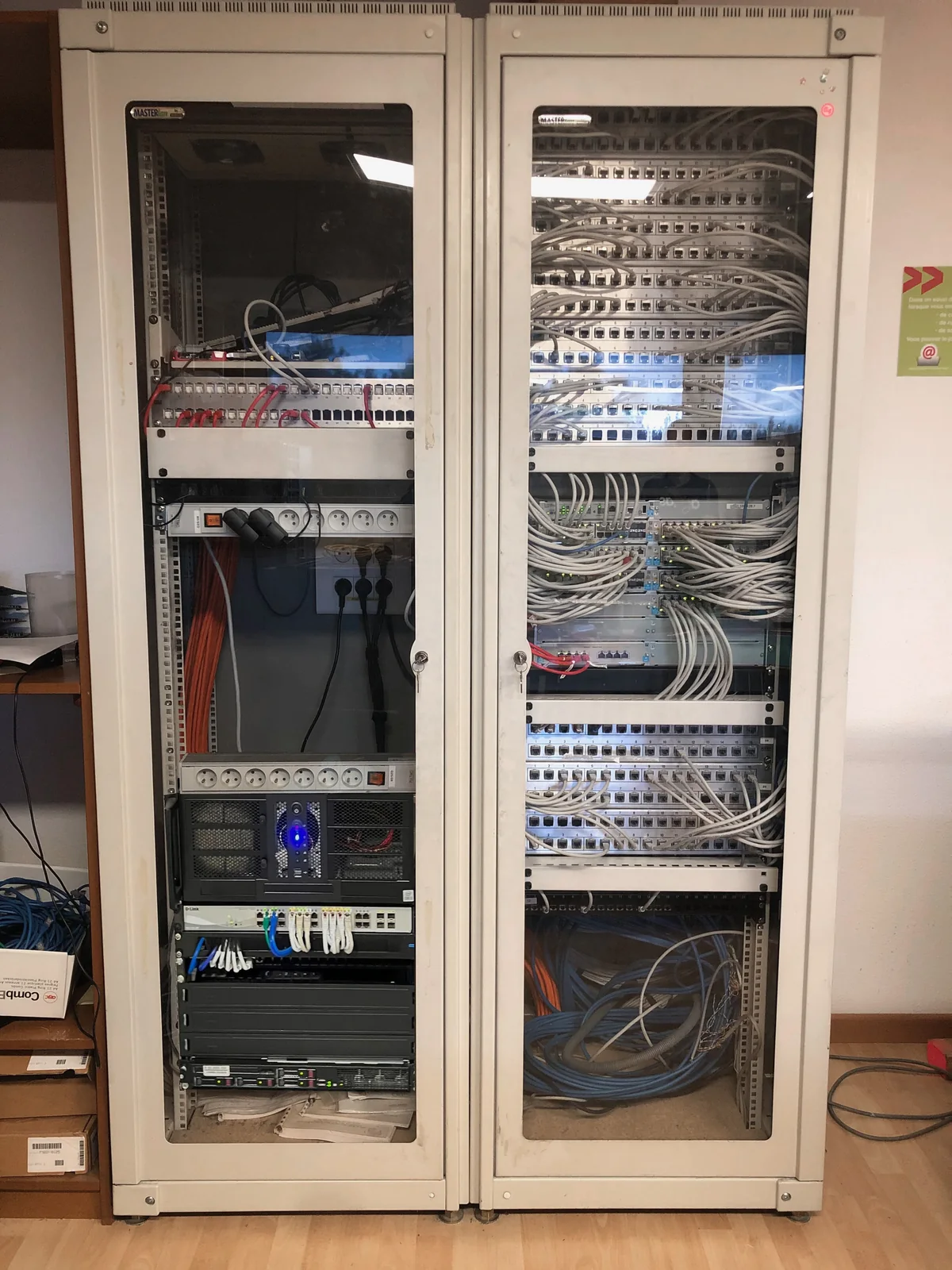
1. Describe what is server dependent
List the uses: files, accounting software, business application, printing, remote sessions or technical services. For each one, note the users concerned, the essential times and the partner capable of validating the operation. A server can combine several roles, some of which are barely visible on a daily basis.
Then identify the shared data and what belongs to the individual profiles. Add licenses, application versions and devices that might depend on the old system. You get a resume list, rather than just a list of folders to copy.
2. Compare destinations with the same criteria
Maintaining your premises may respond to constraints of proximity to equipment or organization. A virtual machine makes it possible to study another organization of the system. A reception in a data center provides an external destination whose access, base and responsibilities must be examined. These choices can only be usefully compared by maintaining the same uses and the same requirements.
Ask the complete budget questions: hardware or resources, licensing, migration, backup and operation. Also ask how to recover your data and what information will be needed for future recovery. An isolated monthly price does not describe all these dimensions.
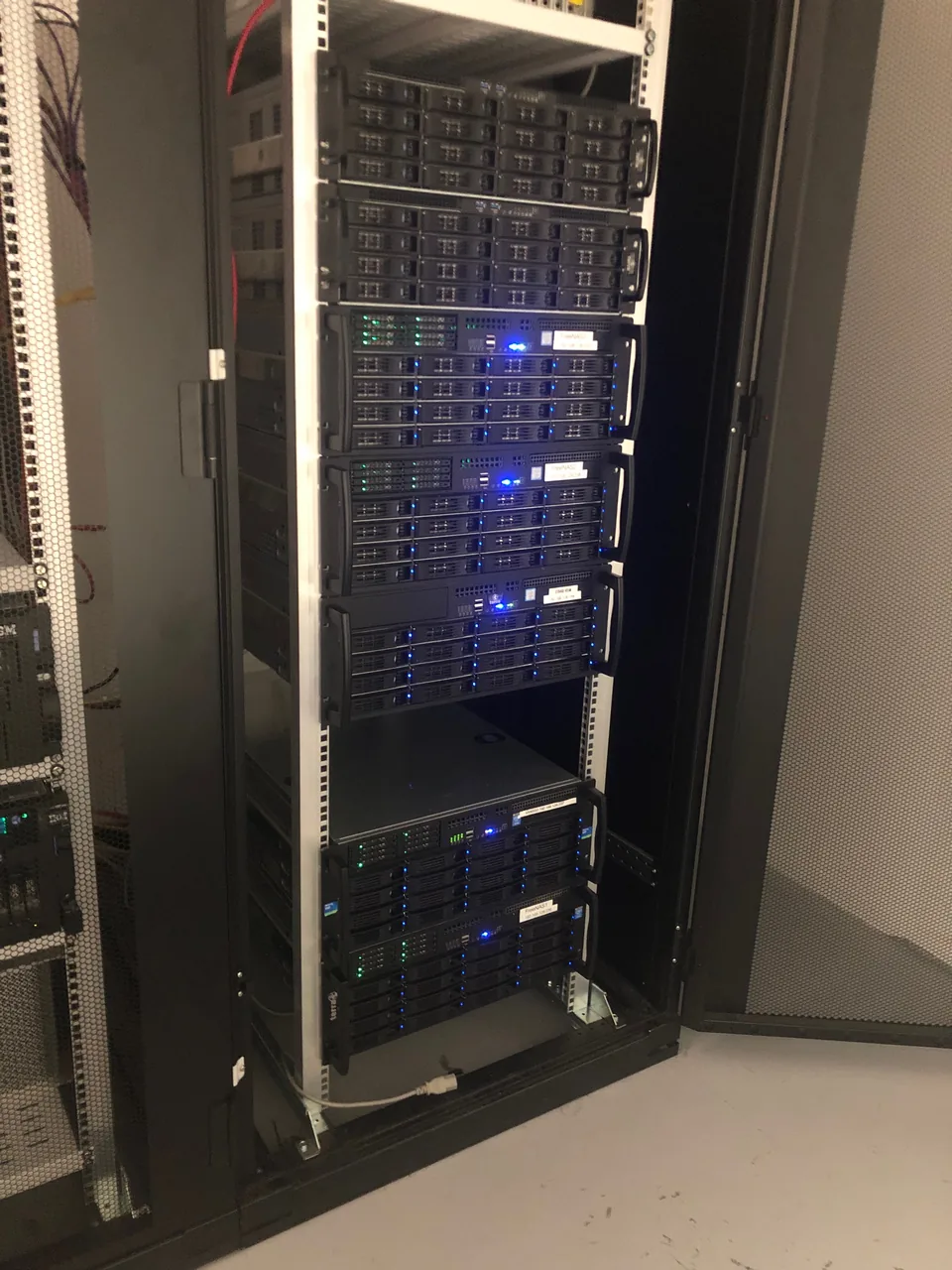
3. Decide on a slot and a possibility of return
Indicate sensitive periods: payroll, closing, customer arrivals or workshop operation. The changeover window must take into account the volume to be taken over and the availability of the users responsible for the tests. The old and new environments cannot always be used simultaneously without risk of data divergence.
Specify the prior copies and conditions of a return if a blocking point appears. Who makes the decision? Until when? What data created during the tests should be kept? These questions deserve an answer before starting the transfer.
4. Prepare a list of business tests
Choose a few representative tasks: open a session, find an authorized folder, save a document, launch the management software and carry out a usual operation. For a remote session, also check the essential peripherals and usage from the planned locations.
Each test must have a person responsible and an expected result. The report can then distinguish the technical installation, the transfer carried out and the validation by the trade. The remaining anomalies maintain a priority and a contact person. This distinction makes adjustments after the switch easier.
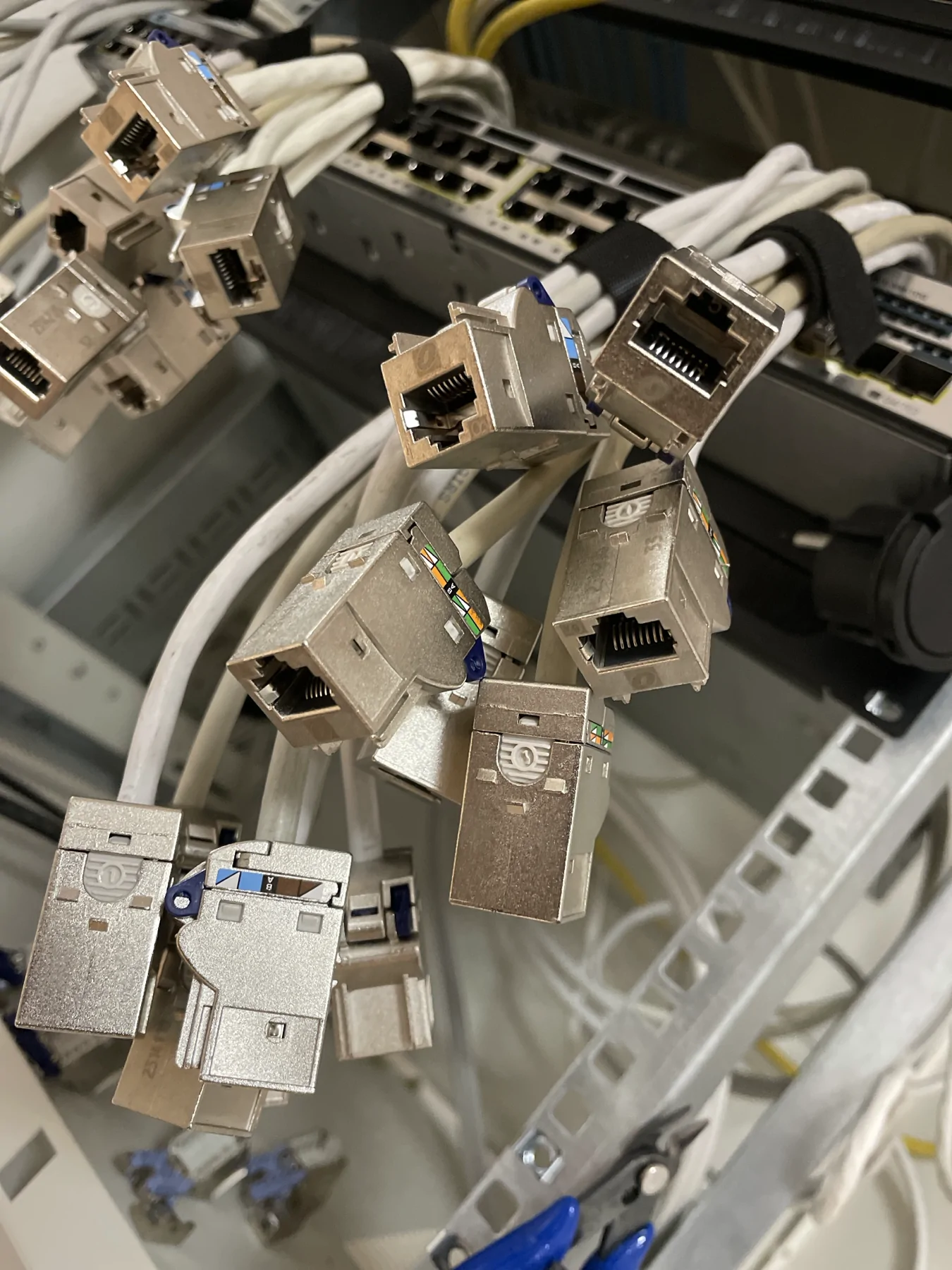
5. Organize the operation of the new installation
At the end of the project, ask for installed roles, administered access, backup terms and the list of remaining points to follow. Specify who reads the alerts, who validates the changes, and how to reach the various stakeholders. These elements make the continuation understandable to the company.
In a virtualized server migration presented by Agedis, the recovery associated Windows system, accounts, data, profiles and Outlook. A remote desktop adjustment was then made after some slowness. This case shows why the life of the project continues with real uses, beyond the initial transfer.
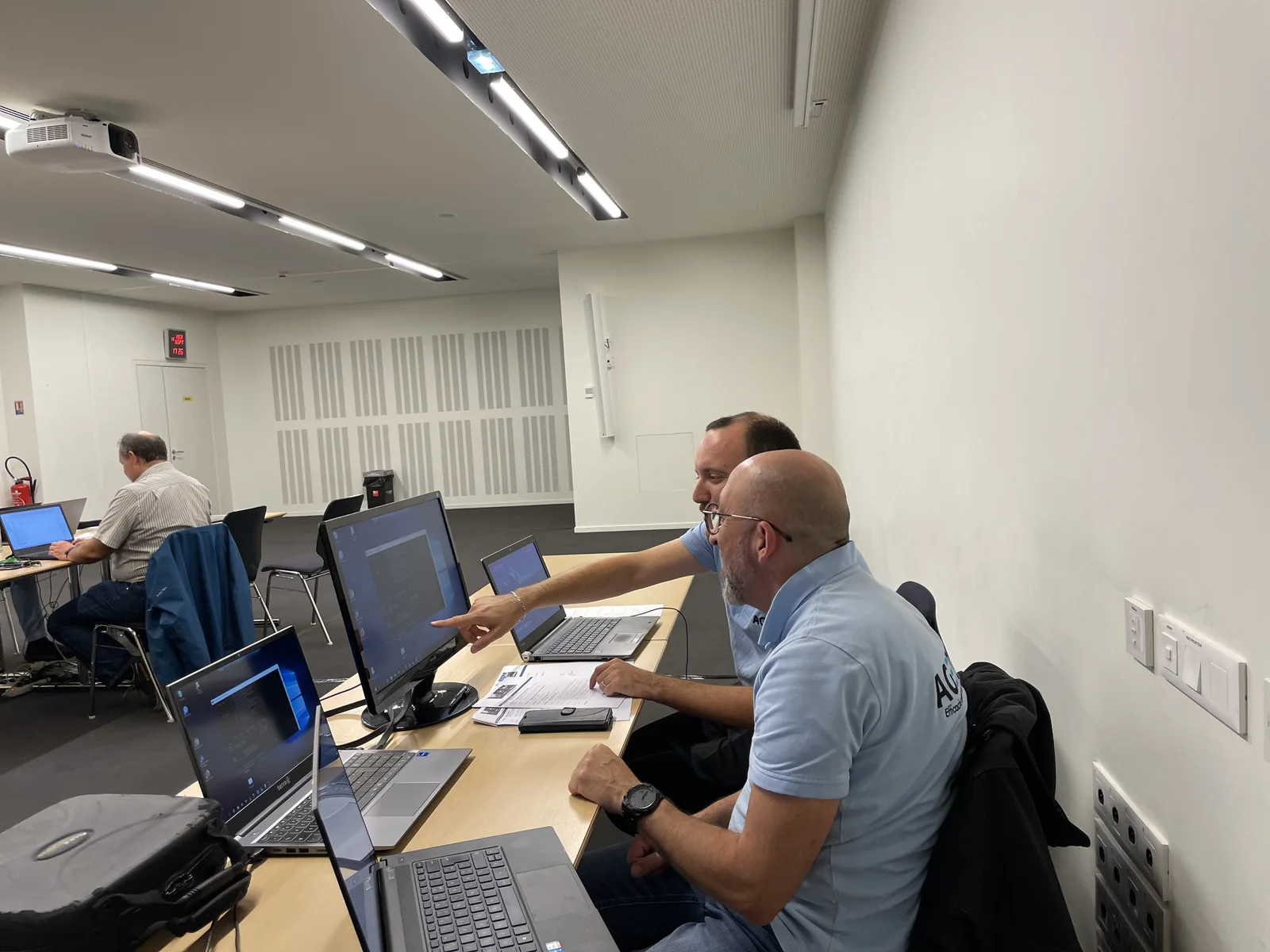
To be prepared for your next exchange
- Essential functions and applications identified
- Data, profiles, licenses and dependencies identified
- Destination and operating responsibilities compared
- Slot, prior backup and return decision specified
- Designated users and validation tests
An experience to read
View the steps and lessons of the fileTo explore further: Microsoft: Prepare to migrate Windows Server roles.