
Start from your environment.
Virtualization makes it possible to organize several environments on a common infrastructure. For the company, the questions remain concrete: which applications must work, what resources to reserve for them and how to intervene without losing sight of other services? Agedis supports you in the study and monitoring of these environments, taking into account the constraints of guest systems, storage and the network that connects them to users.
A virtual machine migration requires precise preparation. The starting environment, the destination, the necessary access and the dependencies of the application must be identified. The team's documented technical exchanges include the preparation of an import of Linux machine in VMware and work around Proxmox. Each project maintains its own perimeter, verification stages and conditions of commissioning to be agreed upon.
Describe dependencies
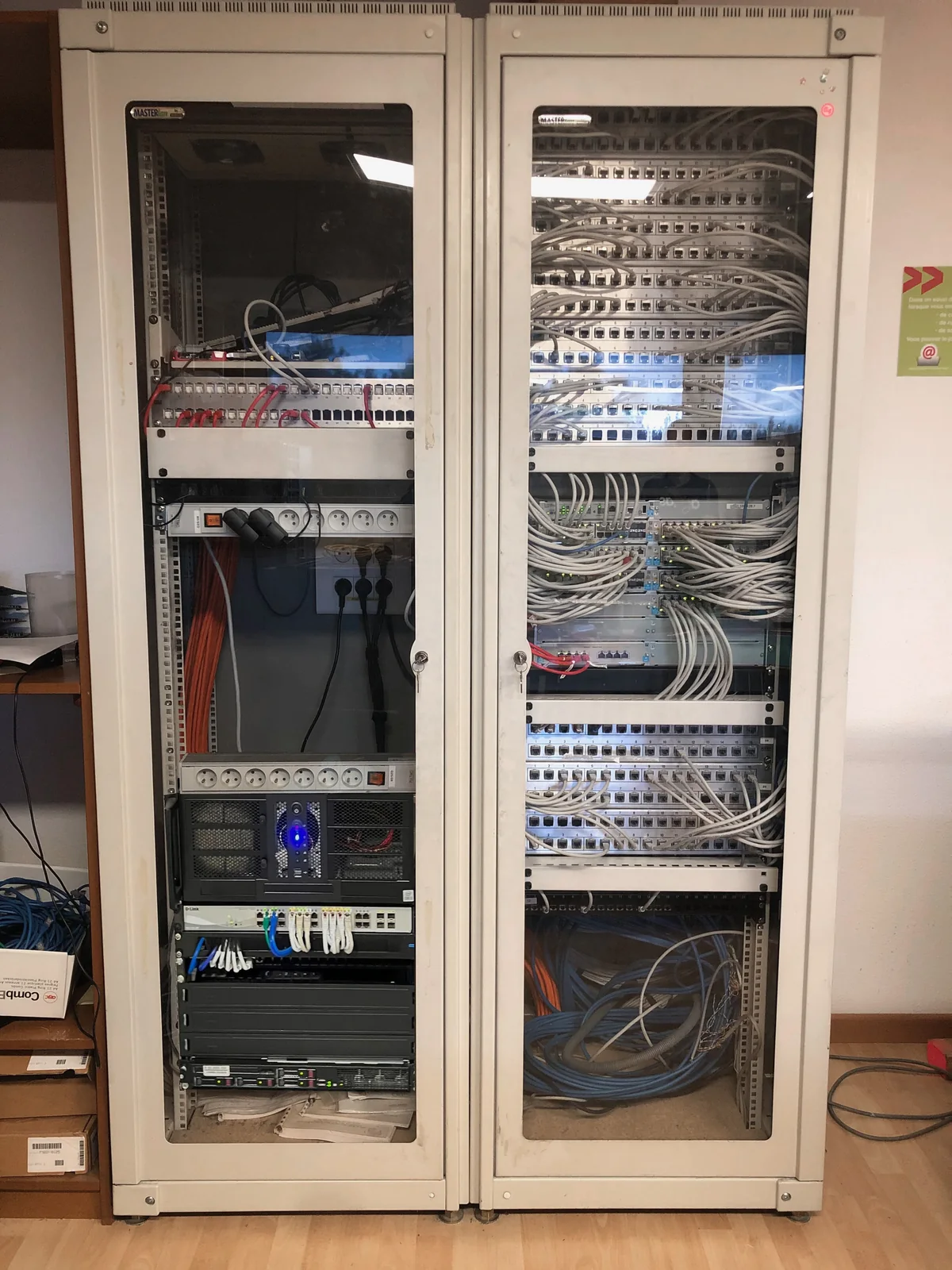
Machines, applications, storage spaces and network connections must be identified. This inventory helps to understand what can be moved and what must remain accessible.
Preparing for change
A transfer or evolution is planned with the persons concerned. The destination resources, administration access and intervention window must be specified before the passage.
Virtualization link and backup
The needs of virtual machines are different from those of workstations. Copy policy and restoration options should be reviewed for the affected departments.
Choose virtualization for an identified need
Virtualization can accompany the replacement of a server, the resumption of an existing machine or the organization of several environments. We start from the applications and services to be hosted. Computing resources, memory, data volumes and network exchanges must be brought closer to their real needs.
Administration, backup and licensing conditions are part of the study. The choice of a hypervisor or a host environment is not enough to define the project. We also specify the responsibilities: who administers the base, who operates the guest system and who works on the business application.
Resuming an existing physical machine or VM
A physical to virtual conversion requires to identify what depends on the hardware: interfaces, peripherals, drivers and possible licensing devices. The import of an existing virtual machine requires checking the format, network, resources and transfer modalities. These elements guide the response plan.
Two approaches must be compared: converting the existing system or rebuilding an environment to migrate uses. Our cases present these two situations, with a Linux recovery by conversion and a Windows migration combining data and profiles. The choice of a new project is prepared with the state of the system and the application constraints.
Check usages after starting
Controls can cover expected services, user sessions, folders, and a representative operation in the application. A starting environment is a first step; the actual behavior still needs to be observed. Sufficient resources on paper are no substitute for addressing slowness reported by a user.
The backup of the VM and the recovery of its data are prepared according to the chosen scope. A working snapshot and a durable backup serve different functions; their conditions are examined with the tool used. The possibility of a return and the constraints of the switch are discussed before the operation.
Maintain a readable organization
The project can produce a statement of machines, their roles, allocated resources and points of vigilance. Administrative access and monitoring responsibilities are identified. Machines that are no longer needed or working copies are processed according to an explicit decision, after verification of conservation needs.
On a hosted project, Agedis prepares the systems and their operation; Cloudlab studies the datacenter base. The requirements of the application remain to be coordinated with its publisher. This organization avoids a change in the base that will make the data, accounts and business operations to be maintained go unnoticed.
Your questions
Work on VMware and Proxmox ?
These environments are part of the topics monitored by the team. The scope of intervention depends on the version, architecture and access available.
Is a VM move enough to migrate an application?
The application's dependencies must also be checked: network, access, resources and publisher prerequisites may condition its provision.
Do you have to rebuild everything to virtualize a server?
Two paths can be studied: convert the existing system or prepare a new virtual machine then take over the data and uses. The choice depends on the state of the server, the application and the failover constraints.
Is a VM automatically saved?
Backup is a device to configure and monitor. Its data included, its frequency, its conservation and its recovery methods must be specified, regardless of the mode of hosting the VM.
In practice
Strasbourg Events : restart and virtualize a Linux server
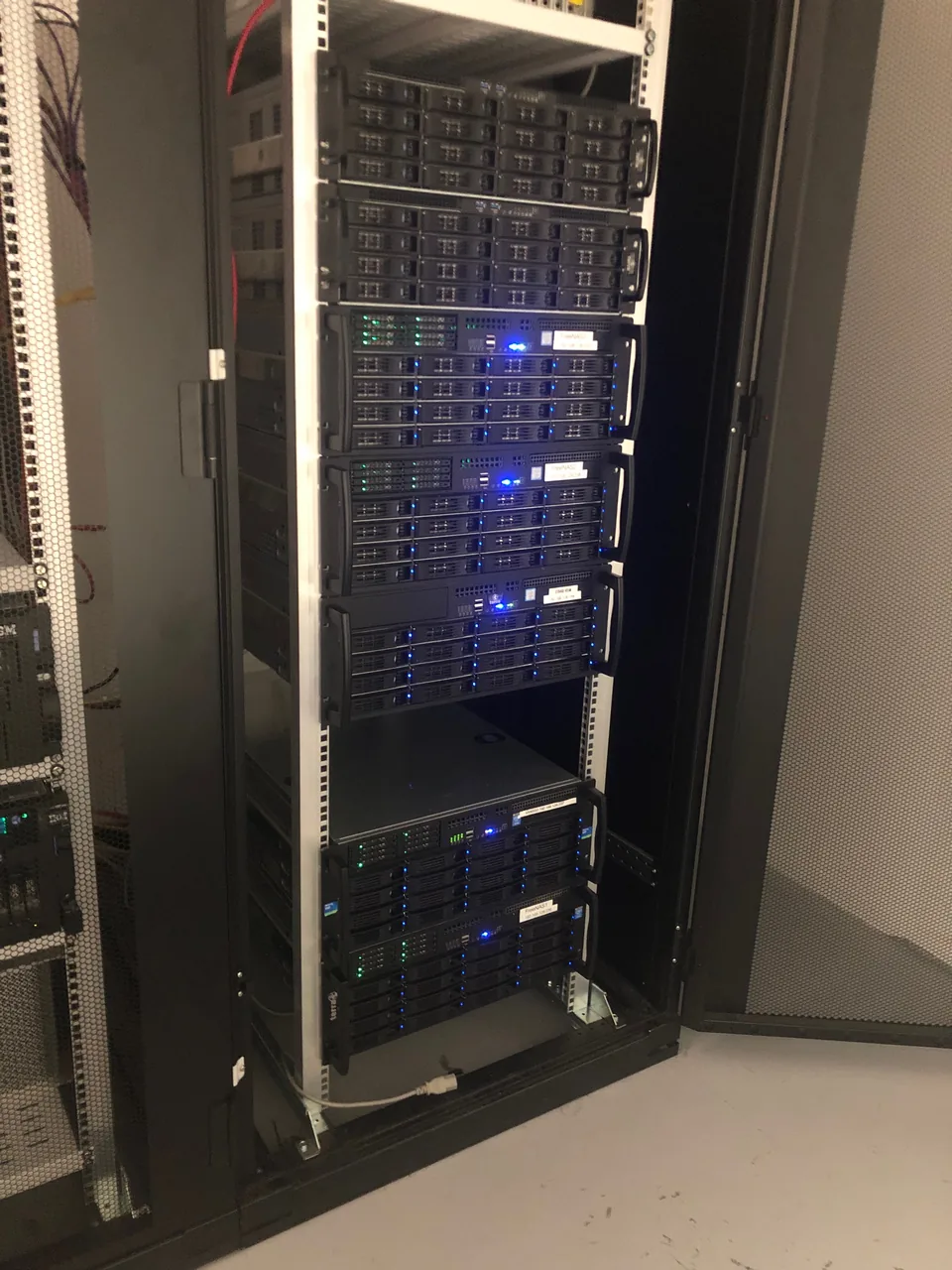
A server used by counting cameras requested a start-up repair, then an update and virtualization. Team Agedis carried out these steps and exported the virtual machine.
Migrate a work environment to a virtualized server
Creation of a virtual machine, setting up accounts and remote desktop, then resuming data, profiles and messaging: a migration described by the Agedis team.
The right skills for the rest of your project.
Preparing an external destination
Cloudlab completes the migration when the infrastructures are hosted in the data center.
Discover this skillTo prepare your decision
Replace a server: preparing decisions and tipping
To prepare for replacing a server, first list the functions that your team must find after the change.