
Start from your environment.
Changing your email involves much more than a new login address. Employees must find their messages, archives and habits on the devices they use. Agedis supports you in preparing for the change, specifying access and following the questions that appear throughout the transition. The project is built with the people concerned and with the elements actually present in your work environment.
The exchanges of a migration file illustrate this attention: boxes are configured on computers and telephones, then the client indicates periods of messages to check, local archives to resume and a need for access to webmail. These points show the benefit of monitoring after the changeover. The closure must be based on the agreed verifications, distinguishing between completed operations and those that remain open.
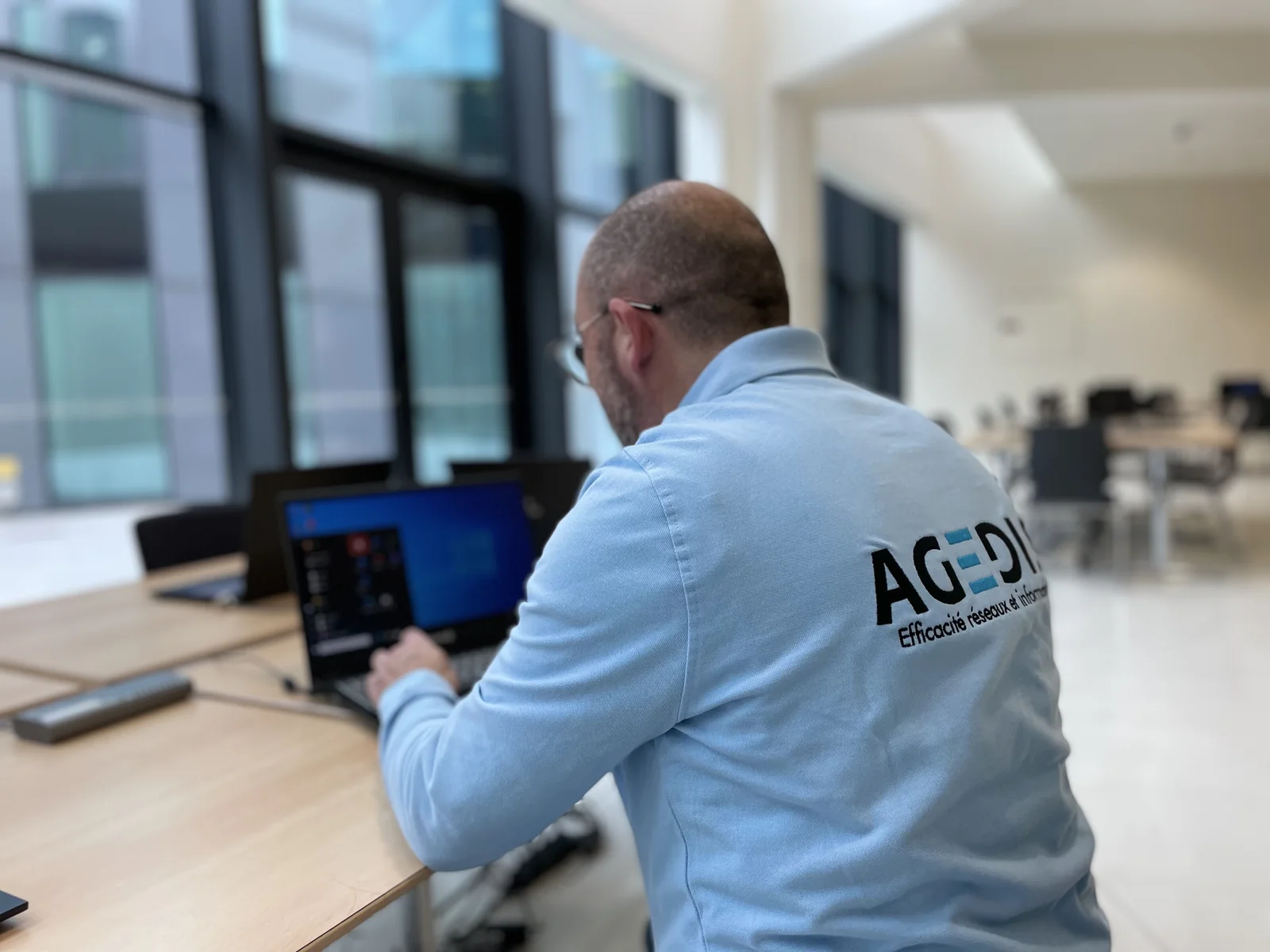
Prepare boxes and appliances
We identify users and consultation methods. Mac, PC, iPhone or Android device may require different settings and support adapted to each use.
Anticipate archives
Messages stored locally require special attention. Their location, format and research needs make it possible to prepare a recovery adapted to the context.
Accompany the passage
Access to webmail, synchronization and presence of old messages are among the questions to follow. Precise feedback from users helps organize controls.
Accounts, shared boxes and licenses: starting from people
Before a renewal or change of service provider, we identify the addresses used, the expected functions and the people responsible. A personal mailbox, a receiving address and an administration account have different uses. Subscriptions must be aligned with these needs and the applications actually used.
For a hotel, the census can combine reception desks, cell phones and file sharing needs. Once the functions and accounts have been defined, we prepare the necessary licenses and organize their monitoring. The manager thus has a clear basis for deciding on renewal and access changes.
Preparing for migration beyond the new subscription
The project must distinguish new accounts, messages to resume, archives and devices to configure. Calendars, contacts, delegations and group addresses are listed when they are part of the uses. We organize discussions with the former service provider and those responsible for the domain name to specify the necessary operations.
The changeover plan provides for the expected validations on the webmail, workstations and telephones concerned. We check with users the useful files, archives and access. Discrepancies reported after the transfer are followed up with a contact person and an action to pursue.
Diagnose exchanges with other tools
A message can be from Outlook, web form or management software. When reception is a problem, we distinguish these sources and collect the useful elements: time, sender, recipient, return message and service used. This allows for coordination of checks with the right provider instead of changing all configurations at once.
The checks reconcile the sending service, the account used and the reception observed. A first test can be carried out on a user before extending it to other accounts. If an application requires specific adaptation, Dtouch can study the integration, in addition to Agedis's work on accounts and messaging.
Provide for tracking of devices and data
Operation may differ between a PC, a Mac, a telephone and webmail. We compare symptoms to determine if the difficulty concerns an account, an application, or a connection. Adjustments and tests are made with the devices actually used and the expected functions.
The conservation and backup of content is defined separately from the choice of license. We specify the data included, the recovery methods and the tracking of the copies. The departure of an employee or a change of role also requires deciding who should retain access to professional messages, before any account closure.
Your questions
Can you accompany a email used on Mac and Windows?
Yes. The work covers accounts, consultation software and common uses, with the constraints specific to each device.
Should we keep old boxes during migration?
Conservation conditions are prepared before the change. They depend on the originating service, the volume and the checks to be carried out on the messages.
Can you resume the licenses without changing all the addresses?
We examine the existing tenant, domain, subscriptions and conditions of the current provider. The approach depends on the administrative and technical situation; it is prepared before any termination.
Is operation on the phone also verified?
The devices and functions to be controlled are specified at the outset: sending, receiving, calendar or contacts depending on use. Validation on webmail or on PC does not automatically replace control on mobile.
In practice
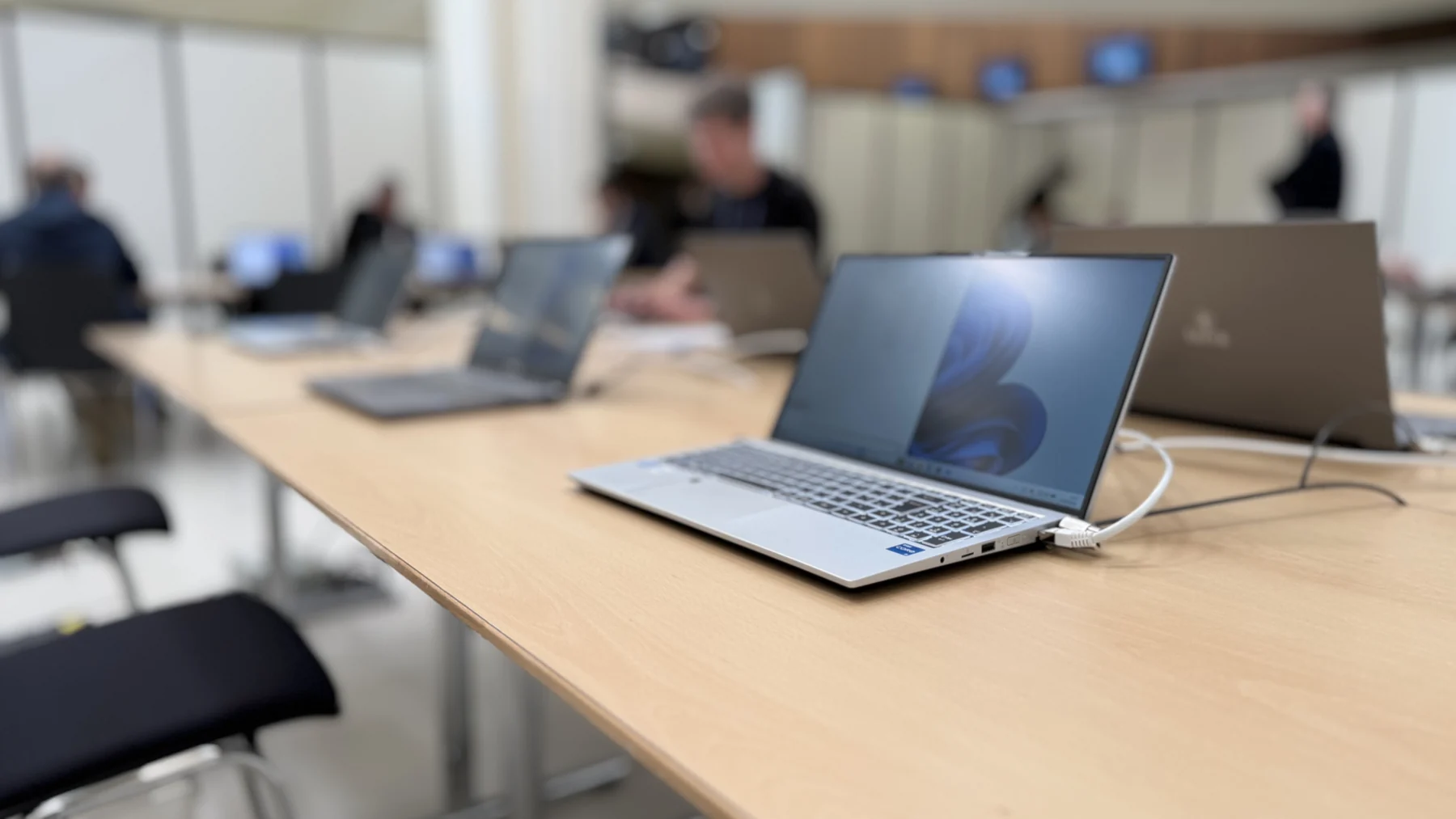
Hôtel Tandem: preparing for a license transition Microsoft 365
After identifying the uses and accounts to keep, the team ordered the Microsoft 365 licenses and confirmed their implementation on the establishment's tenant.
The right skills for the rest of your project.
Connect messaging to business uses
Dtouch studies integration needs when exchanges must join a specific process or tool.
Discover this skillTo prepare your decision
Change messaging: points to check before canceling
The new subscription is part of the project. Accounts, content and uses must also be prepared before closing the old service.