
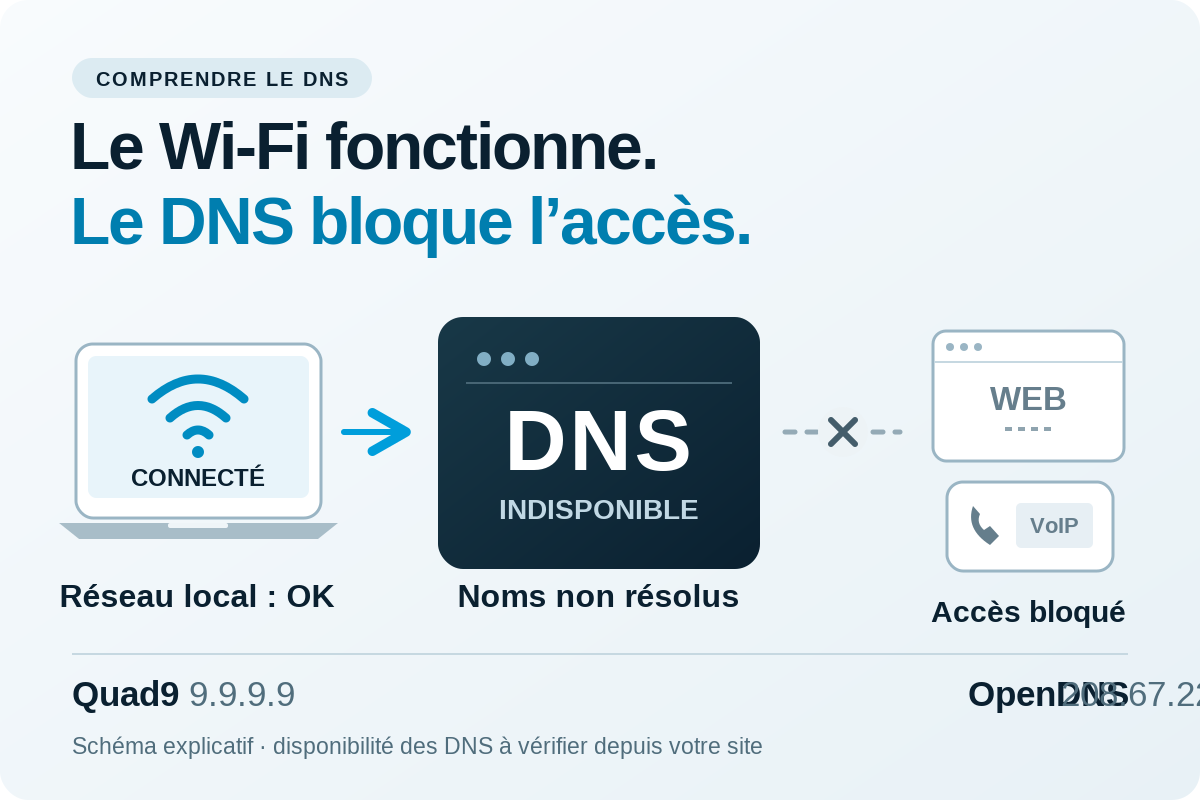
A working connection, but inaccessible applications
The browser cannot open websites, a remote application cannot connect, or phones lose their connection. Yet the local network still responds. DNS is one of the first services to check: it finds the addresses of services from their names.
An incident handled on 24 November 2026 illustrates this situation: Wi-Fi equipment remained reachable, but queries for several names failed. After the upstream DNS configuration was corrected, responses returned and the phones reconnected to their platform. Technical checks should then be followed by validation of everyday tasks.
Quad9: what changes on 24 November 2026
Quad9 announced that it would disable services for users located in France from 24 November 2026 at 09:00 Paris time. This withdrawal covers 9.9.9.9 and the provider’s other addresses. Quad9 links its decision to litigation over requests to block domain names.
Official announcement of Quad9.
OpenDNS and 64.6.64.6: two different situations
Cisco states that OpenDNS has not been available in France and some French territories since 28 June 2024. Its addresses 208.67.222.222 and 208.67.220.220 must also be found in the old configurations. Official information of Cisco.
For 64.6.64.6, we observed no response from the affected site. That measurement does not prove a worldwide shutdown. A provider’s announced restriction, a refused query and a lack of response from a particular connection are different findings.
Choose a replacement and preserve internal DNS
Google Public DNS, including 8.8.8.8, responded during recovery. A configuration combining 94.140.14.140, AdGuard’s non-filtering option, and 8.8.8.8 was subsequently verified. The choice depends on availability from your connections, everyday needs, the provider’s terms and your security policy.
Non-filtering AdGuard DNS does not offer the same malware filtering as a security-focused resolver. In a Windows domain, computers must continue to use the designated internal DNS to find domain servers and services. Replacing those addresses with public DNS without checking the architecture can break essential functions.
Configure Google Public DNS · Compare AdGuard DNS variants.
Useful checks for a business
The inventory should include firewall DNS, server forwarders, DHCP options, DNS supplied through VPNs and manual workstation settings. Updating only the firewall can leave some devices using an old address until their settings are renewed.
Validation should check the DNS response code and the addresses actually returned. A fast reply may be a refusal: the time displayed by a tool is not enough. Websites, applications and everyday communications should then be tested.
Agedis can help identify these dependencies, document changes and monitor name resolution. The aim is to detect a failure in a shared service before it is mistaken for a failure of every workstation.