
Start from your environment.
A network connects people, equipment and services. Its design begins with the use of shared files, applications, telephony, Wi-Fi or remote access. Agedis accompany you to understand this traffic, organize connections and administer the equipment concerned. The choices are based on your business, the configuration of the premises and what already exists in your computer environment.
The project often has two complementary dimensions. The connections and sockets are part of the physical installation; equipment settings, access and organization of exchanges are part of IT operations. Agedis and Alltech can coordinate these interventions. This articulation makes it possible to link field constraints to system needs, while specifying the actions of each team and the elements necessary for monitoring the network.
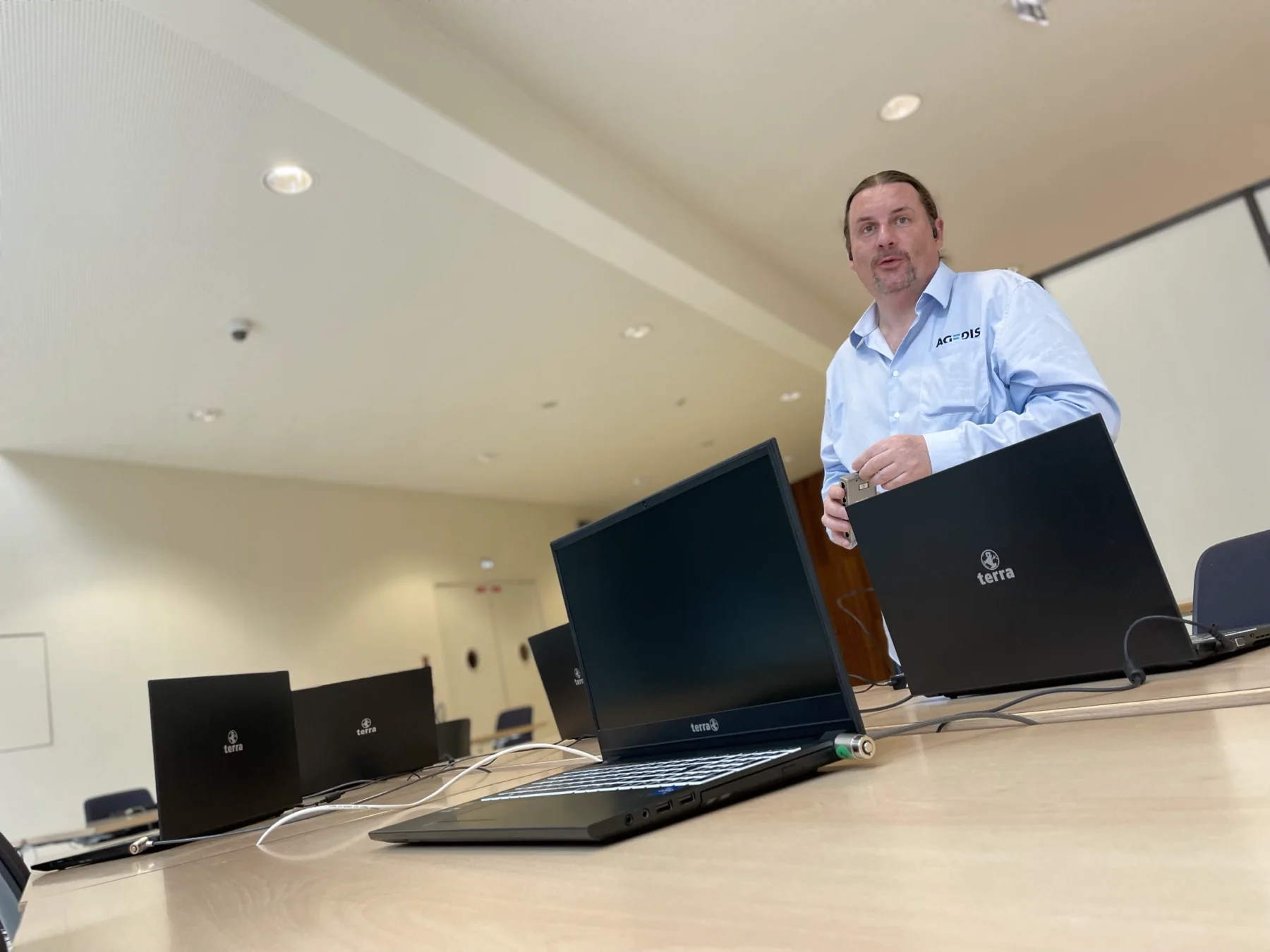
Organize access
Users, equipment and services do not necessarily have the same needs. The project can distinguish between internal accesses, technical equipment and visitor connections according to usage.
Configure the equipment
Routers, switches, virtual networks and firewalls are reflected together. The settings chosen must correspond to the architecture and services that the company wishes to make accessible.
Maintain a clear vision
Network diagrams and equipment identification make it easier to understand the equipment. Appropriate documentation makes it possible to prepare for developments and subsequent interventions.
Linking equipment to expected services
The company network connects workstations, servers, printers and services accessible remotely. We start with uses: who connects, from what spaces and to what resources? An internal station, a visitor and technical equipment do not necessarily have the same access needs.
The inventory can identify the network equipment, connections, address ranges and services required. The information is kept in documentation adapted to the operation, with access reserved for authorized persons. Separation and filtering choices are examined according to the organization of the company.
Distinguish between the link, the network and the system
An inaccessible folder may come from a user right, a stopped service or a network link. An active Wi-Fi connection alone does not demonstrate access to the expected application. We try to clarify the break point by comparing situations: one or more stations, wired or wireless connection, local or remote access.
This approach allows you to define the correct relay. Agedis works on configuration, systems and access. Alltech completes the project when on-site cabling, patching or coverage needs to evolve. Coordination maintains a common objective: verifying final use, with clear responsibilities for each intervention.
Preparing a new space or evolution
A move, new employees or a centralized application can change network needs. We bring the planned equipment closer to their connection, the resources to be reached and the constraints of the site. The calendar must integrate dependencies: Internet access, installation of connections, configuration of equipment and availability of stakeholders.
Commissioning may include connection checks on workstations, file access and testing of the application in question. The areas or equipment that remains to be treated are identified. The expected quality is described with actual uses and conditions, without deducing a guaranteed flow rate from a single technical sheet.
Keep benchmarks for future interventions
A useful diagram, an inventory of equipment and a record of changes facilitate assistance. Administration access, account ownership and the persons to be notified are specified. A change in address or filtering must take into account the systems that depend on it.
For mobile employees, remote access arrangements are examined with accounts and applications. For a hosted server, Cloudlab can complete the study of the data center base. The network thus remains connected to the workstation and the server, instead of being treated as an isolated installation.
Your questions
Who's working on the wiring?
Alltech completes the project for the physical installation. Agedis works on equipment and systems, with coordination of needs on both sides.
Does a new Wi-Fi mean you're going to see the network again?
This may be necessary depending on usage and existing conditions. The connection of terminals, access and expected services are examined in the project study.
Who's in charge of wire and Wi-Fi on site?
Agedis prepares systems, configuration and access. Alltech provides installation expertise for cabling, patching and Wi-Fi on site when a physical upgrade is required.
Does a Wi-Fi problem explain all the slowness?
The diagnosis must compare the connection, the station and the application. A wired test, another device or local access can help locate the problem before deciding on a coverage upgrade.
In practice
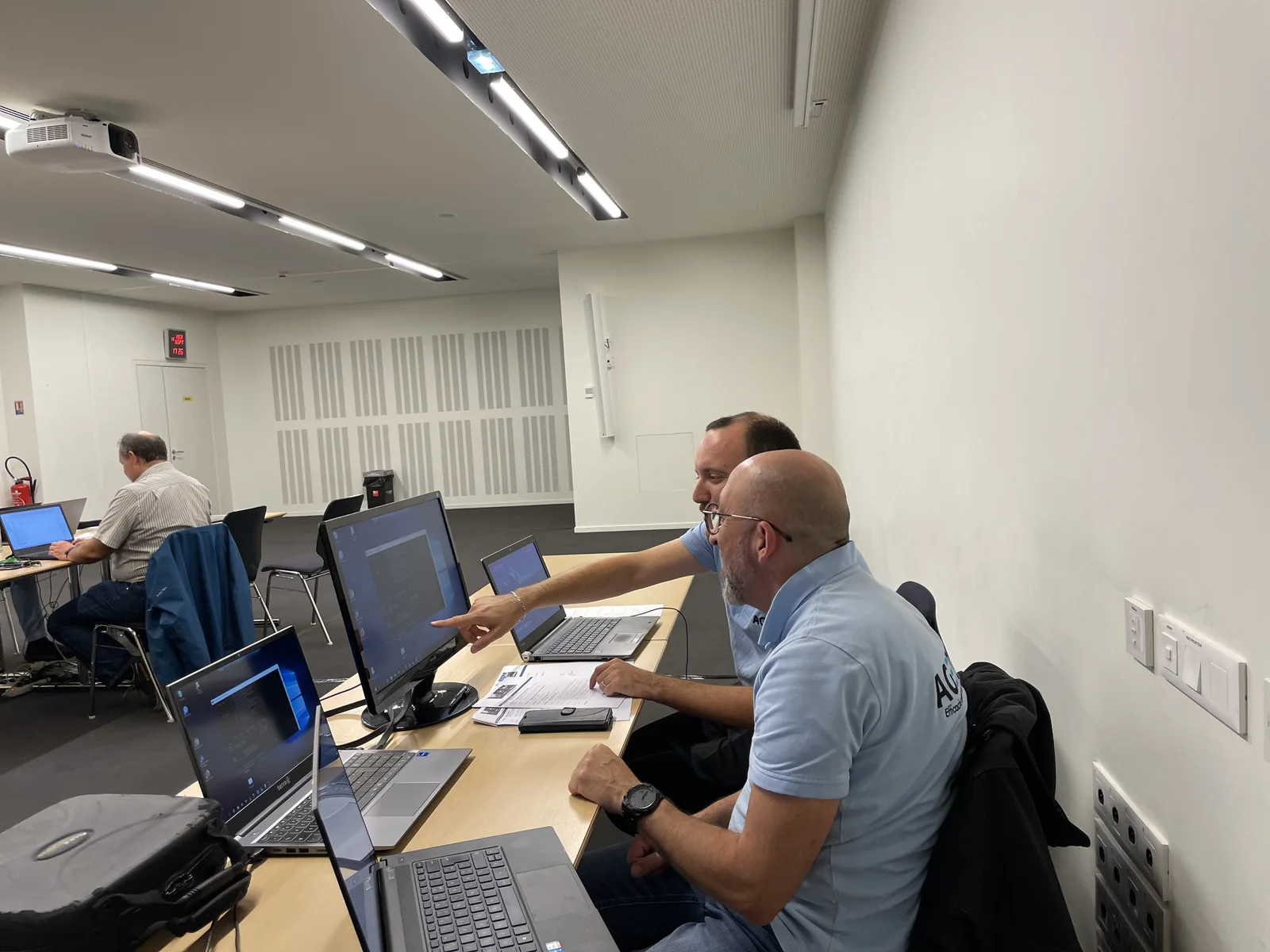
FL Structure: organize shared folders and team rights
For a business service, Agedis created a new tree structure, its access groups and its permissions, then made the requested adjustments over time.
The right skills for the rest of your project.
Install physical links
Alltech prepares cables, sockets and equipment to be integrated into the building.
Discover this skillConnect wireline network and Wi-Fi
A coherent facility combines space coverage with computer access operation.
Discover this skillTo prepare your decision
Slow computing: what observations to transmit to move forward?
"It's slow" describes a real discomfort, but leaves many possible causes. A few specific observations help the technical team search the right place.