
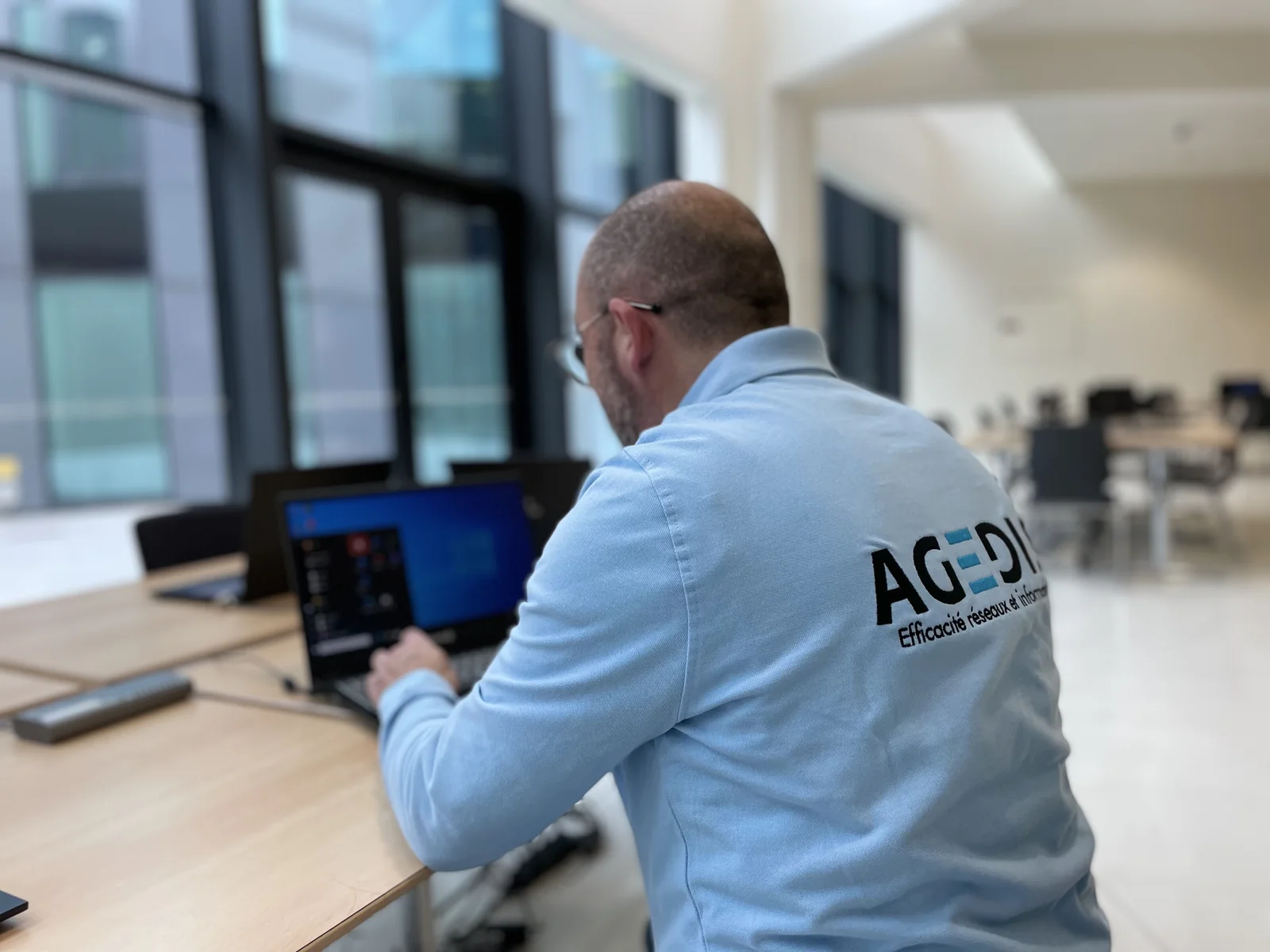
1. Describe the action that takes time
Indicate what you were doing: starting the workstation, logging in, launching an application, saving a file, or sending a document. Note the time, frequency and message displayed if there is one. A screenshot can be helpful, after hiding confidential information.
Also describe the result: does the action ultimately succeed, does it get stuck or do you have to start again? An approximate time and a reproducible example are more usable than a general impression. If the incident appears since a known change, report it without concluding that this change is necessarily the cause.
2. Specify the people and equipment affected
Is the problem affecting a single computer, multiple people, or an entire department? Does it occur on site and remotely? Is another application working normally? These comparisons give scope to the diagnosis, without asking the user to modify technical parameters.
On a remote session, distinguish the behavior of the local and the server environment. For an email, indicate whether the webmail has the same symptoms as the app or the phone. For a shared file, specify if other documents or users are also involved.
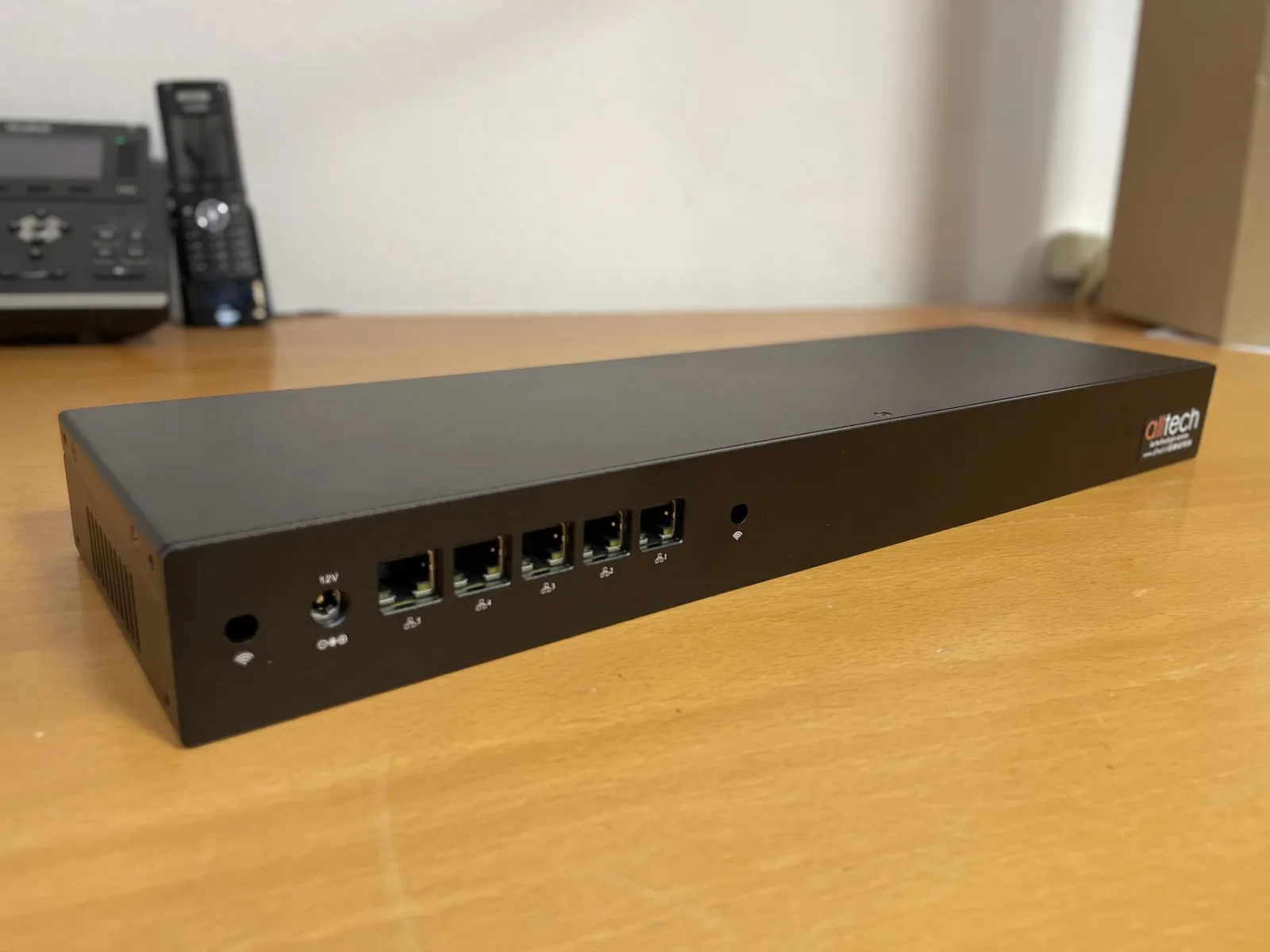
3. Identify where resources are located
A document can be local, on a server or in an online space. The application can run on the computer or in a remote session. This information helps identify the necessary checks and stakeholders involved.
A network difficulty may affect a remote service, but not all delays come from Wi-Fi. The storage, charge of an application, fee or operation of a service may request a separate examination. The role of diagnosis is to reconcile observations and traces to situate the problem.
4. Avoid changing several things at the same time
Before an intervention, keep the useful elements and transmit them to the team monitoring your fleet. Successive and undocumented modifications make comparison more difficult. A reboot can sometimes make a symptom temporarily disappear; its time and effect then remain information to be reported.
The worker can define a test, carry out a targeted action and then observe the result. The report distinguishes the correction applied from the control obtained. A successful test on a document constitutes a step; User feedback allows verification of behavior in actual work.
5. Choose what to do next based on the diagnosis
Depending on the results, the response may be based on a post setting, hardware evolution, server system, application or network installation. The decision to replace a computer or add resources is based on this analysis rather than on the age of the equipment alone.
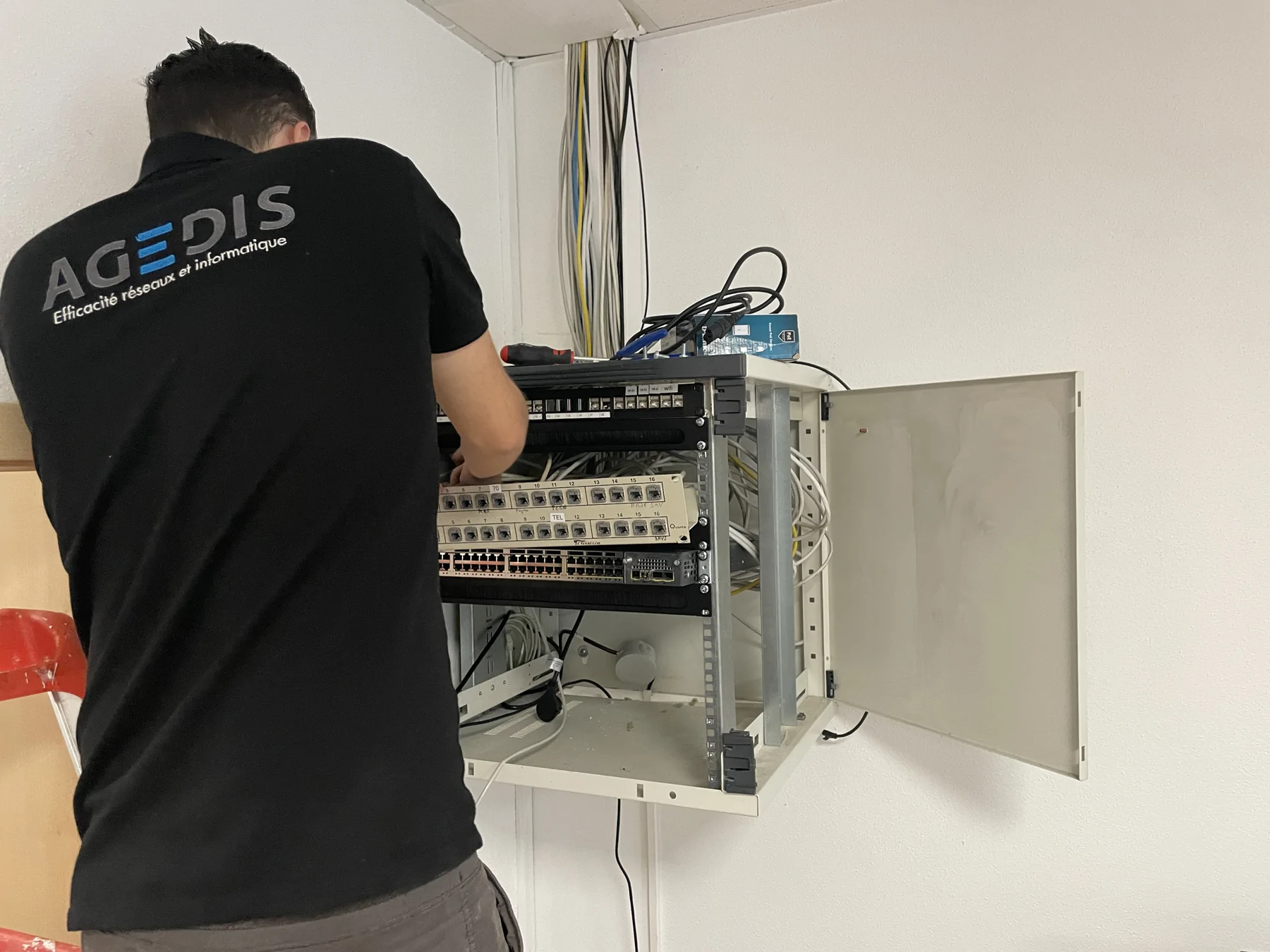
Agedis coordinates station and systems checks. Alltech can complete a need for on-site bonding or coverage. The publisher intervenes on its application; Dtouch can study a specific software adaptation. For a hosted environment, the data center component is examined with Cloudlab when observations justify it.
To be prepared for your next exchange
- Specific action and time of incident
- Message, redacted capture and observed result
- Users and devices concerned
- Local location, network or remote session
- Recent change and tests already carried out