Start from your environment.
A company often brings together several generations of equipment and different working habits. The right answer begins by understanding this set: who uses which tools, which applications are essential, how documents circulate and where difficulties are. Agedis Supports you to develop your positions, systems and network, with choices tailored to your organization and priorities.
Our work connects hardware, systems and people. A job replacement may involve email archives, a shared printer, or access to a server application. We take these dependencies into account to prepare interventions and explain decisions. Mac, Windows, Linux, iOS and Android find their place according to your uses, in an environment where the different parts must work together.
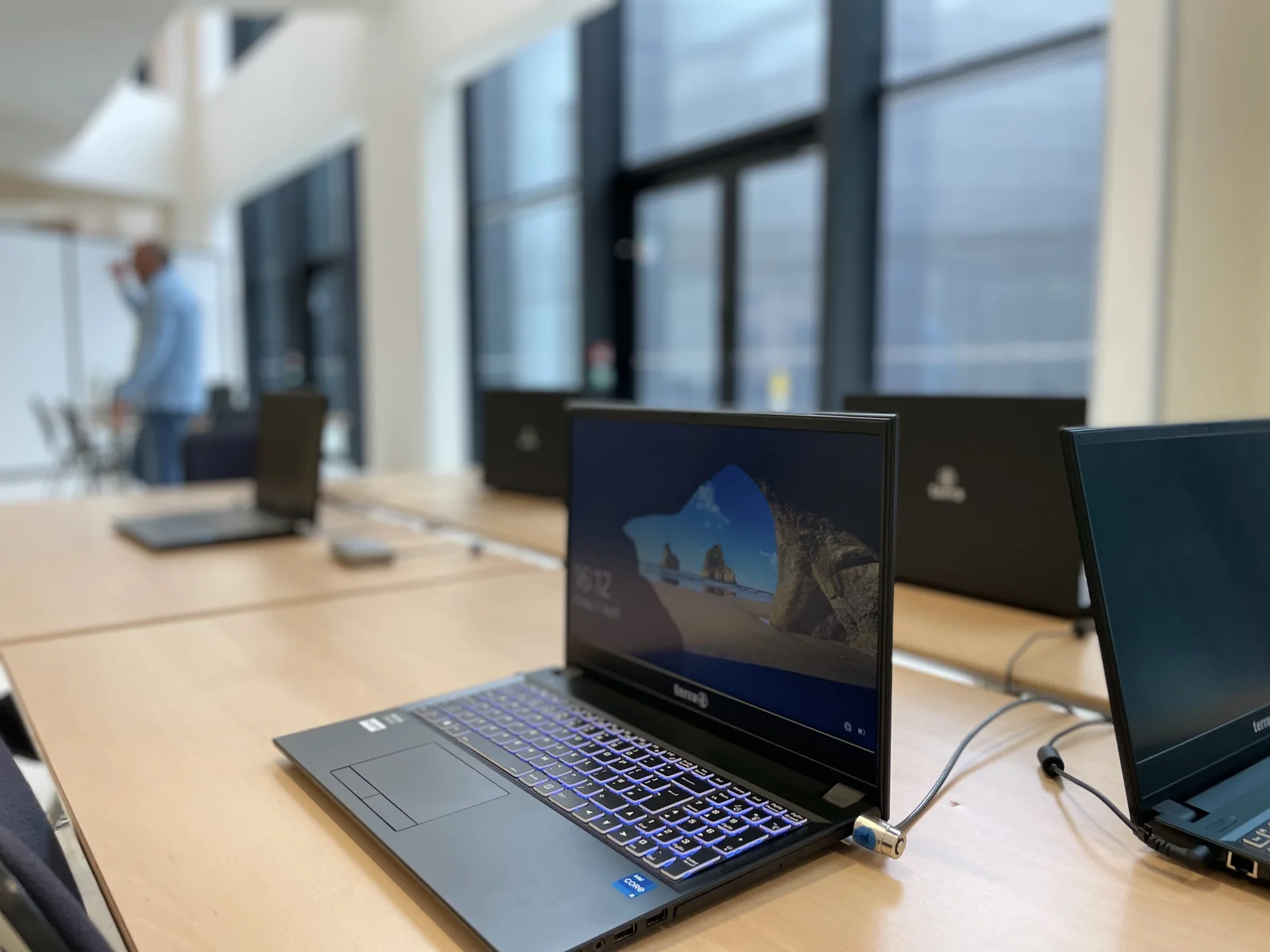
Choosing the right equipment
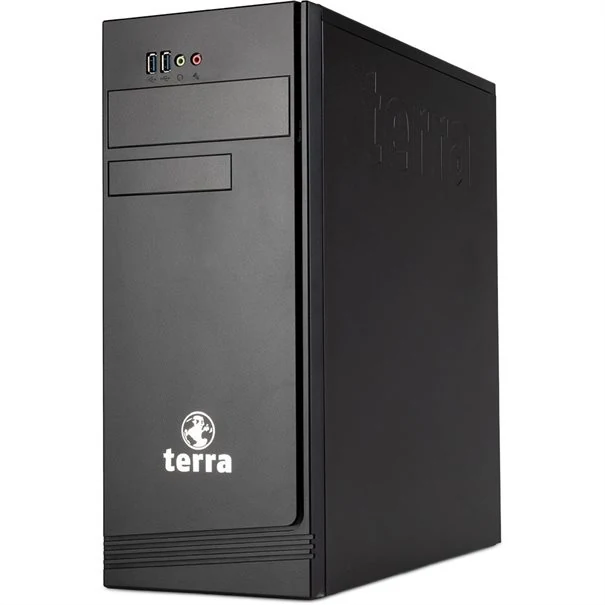
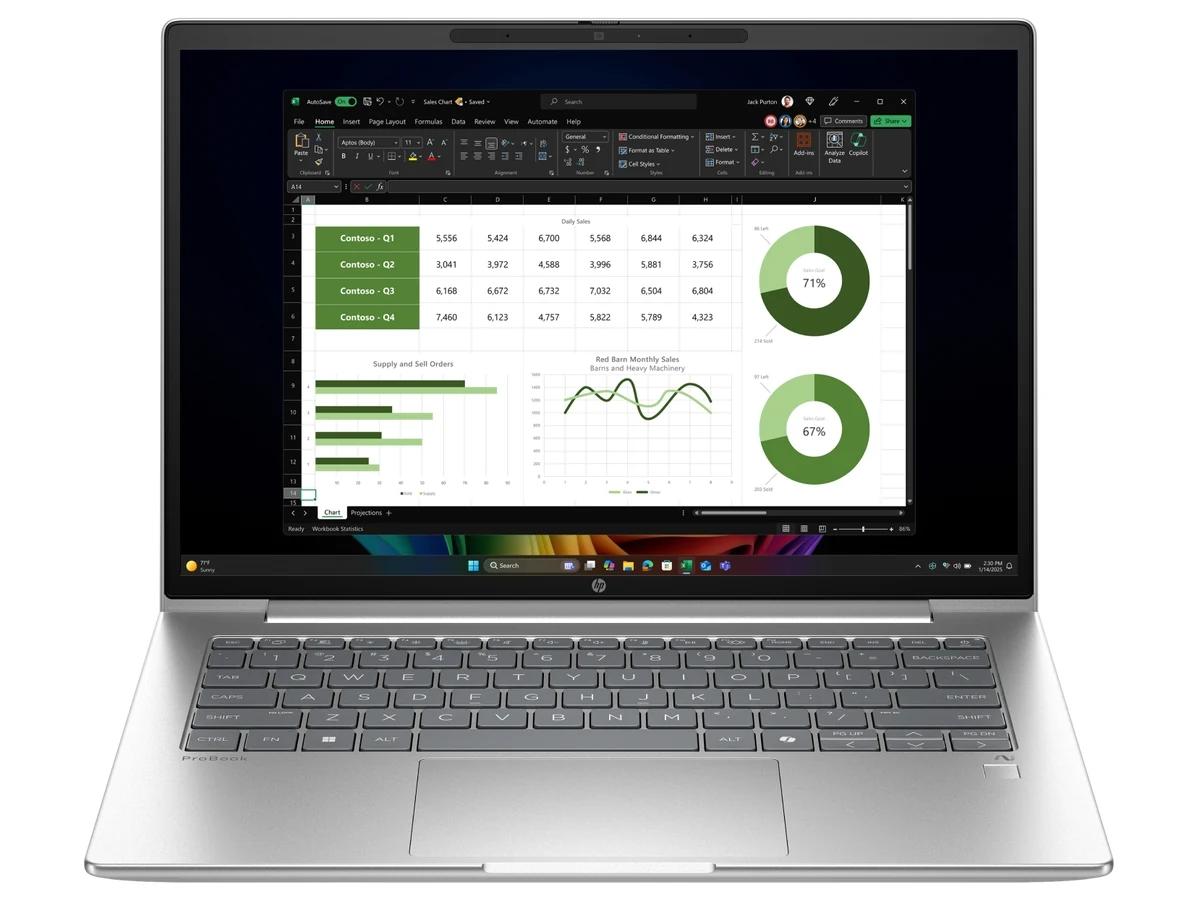
We help you define the workstation and useful peripherals, depending on the software, mobility, space constraints and working conditions of each user.
Our membership in the Eurabis group completes this work: relationships with manufacturers, publishers and distributors, exchanges between professionals and access to network services. Agedis remains your contact for choosing, preparing and monitoring equipment. Find out more about the Eurabis network →
Linking posts and services
Access to files, messaging, applications and backups are considered together. The scope is defined based on your fleet and the services your employees need.
Supporting developments
New equipment requires preparation and monitoring. We organize with you the necessary steps, access and points to control after the intervention.
Different systems, uses to link.
Choosing a system depends on the applications, devices and people using it. A company can keep Macs, operate Windows or Linux servers and use iOS or Android mobiles. We examine file access, accounts, messaging and software to prepare for their coexistence, without imposing uniform replacement.
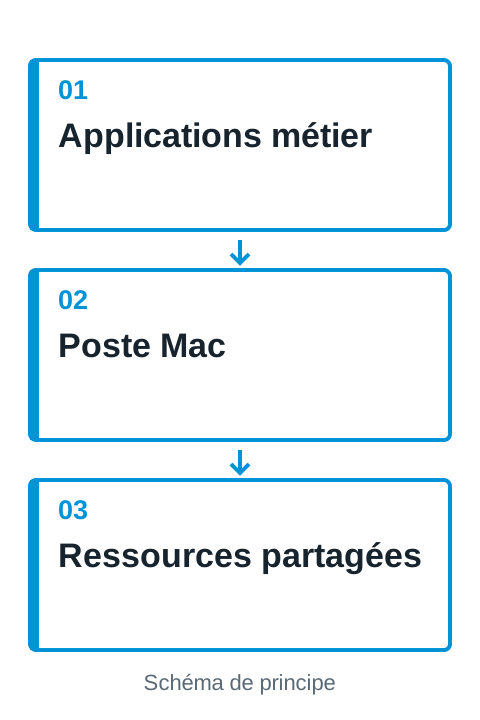
The Mac in your professional environment
Maintenance, applications and exchanges with other systems: Agedis supports the use of the Mac within the company.
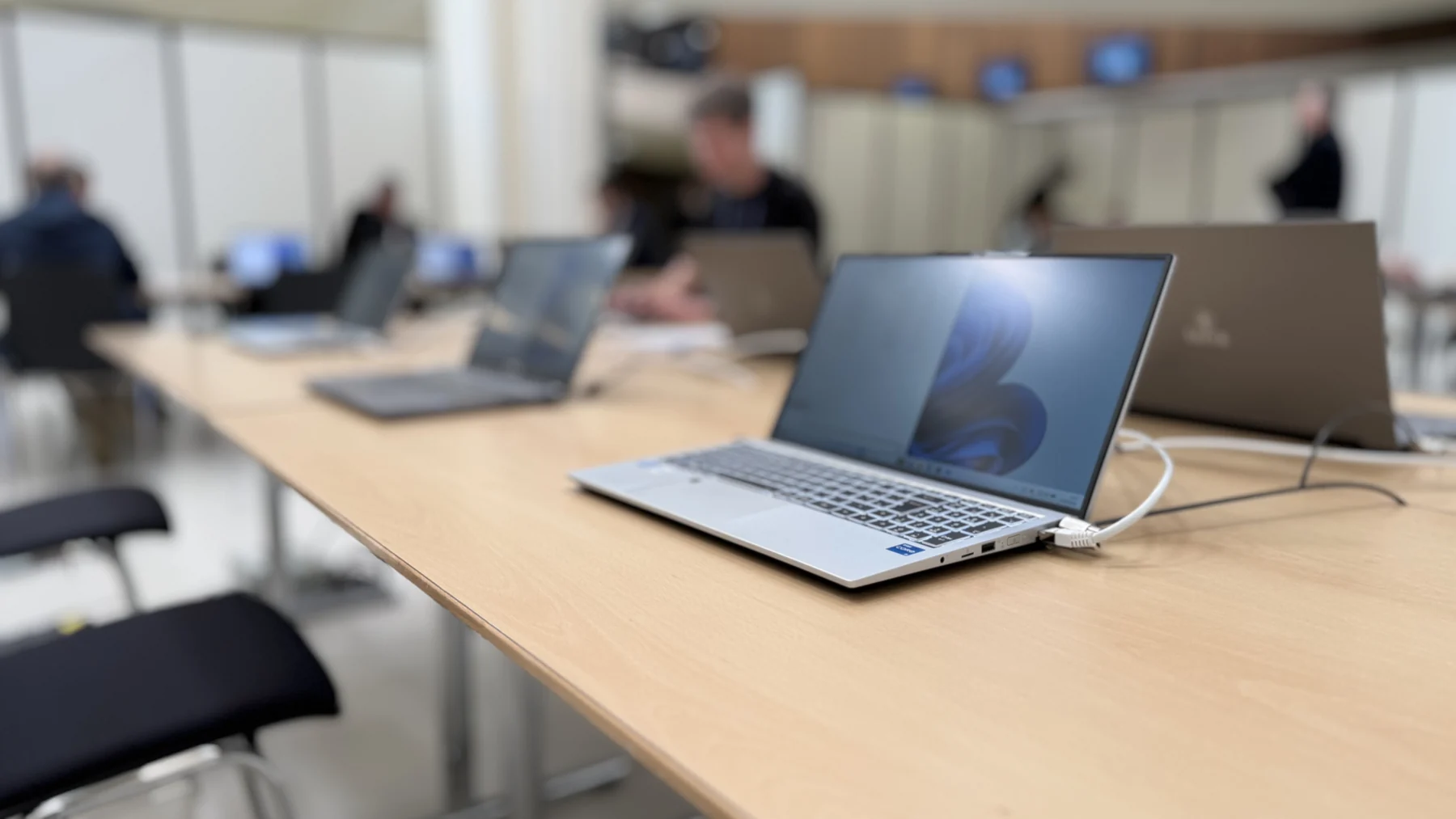
Windows stations and servers tracked together
From user workstations to server applications, Agedis supports Windows environments and their developments in the company.
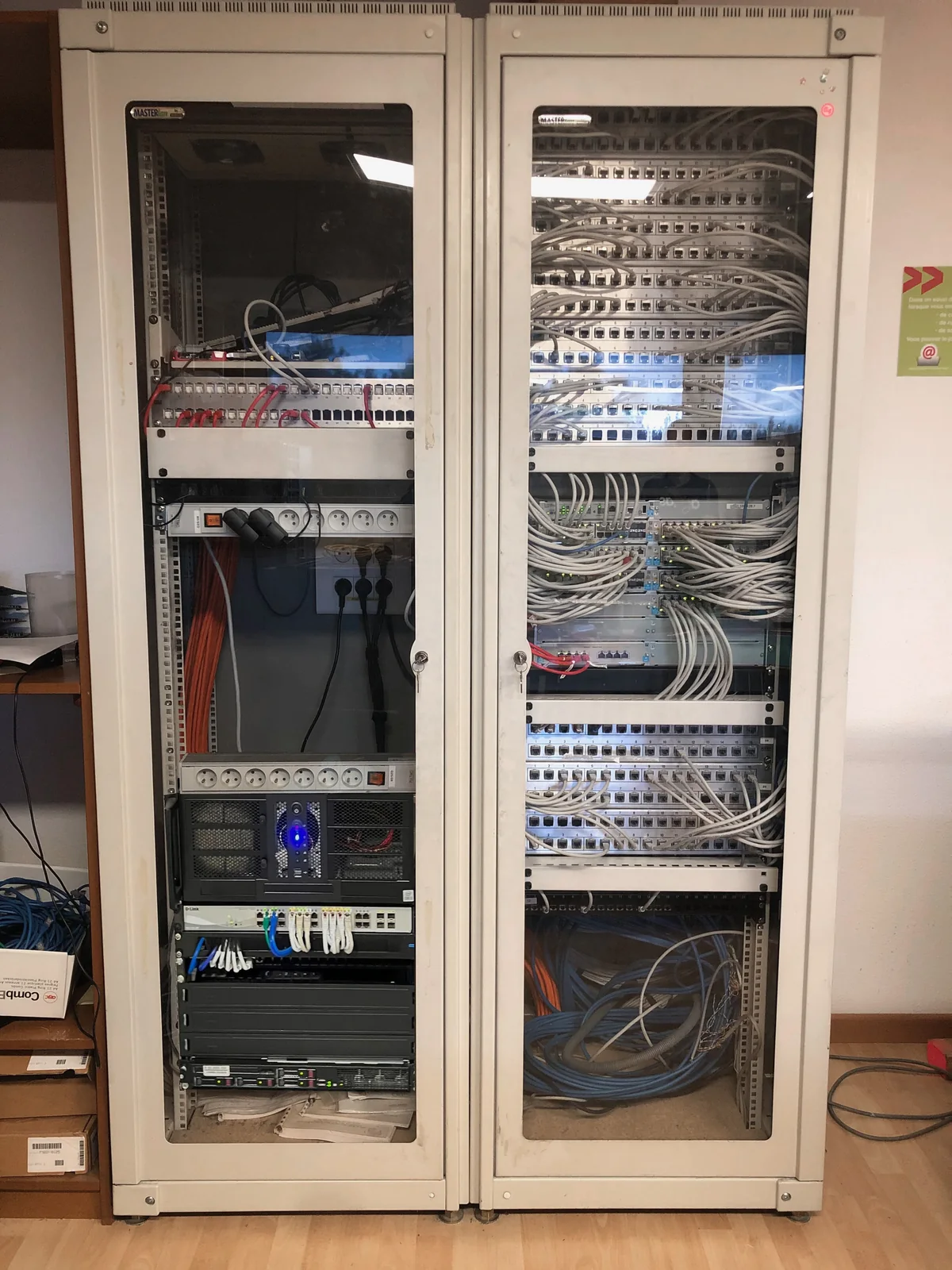
Linux at the service of your infrastructure
Configuration, virtual machines and integration: Agedis supports Linux systems in their computing and application environment.
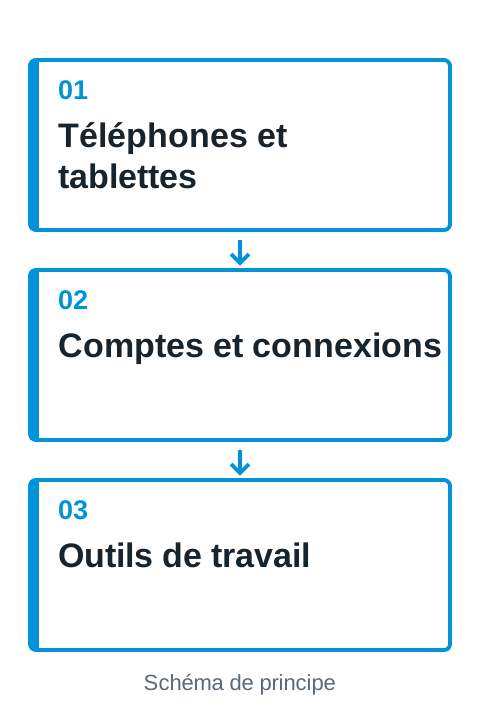
Mobile devices linked to your uses
iPad, iPhone, tablets and Android phones: Agedis supports the choice and integration of devices into your professional environment.
Equipping a collaborator to work
The arrival of an employee combines equipment, access and organization. What position does he use? Should he find the files of a department, a shared mailbox, management software or a printer? We prepare these elements based on a request validated by your manager, then distinguish system accounts from application-specific rights.
Preparation may include station selection and configuration, updates, messaging, and peripherals. The data to be retrieved and the licenses to be retained are identified. Verification with the user allows you to control useful tasks, beyond simply opening a session.
A mixed park can keep a coherent organization
Windows, Mac, and Linux can meet different needs in one company. We look at their meeting point: shared documents, accounts, messaging, applications and network. It is not a question of imposing the same equipment on everyone, but of making the exchanges understandable and the maintenance conditions identifiable.
A hotel reception can bring together a shared post, mobile phones and a tablet used for document signature. An administrative service may depend on a software on a server. These situations require clarification of the authorized persons, the data stored and the possibilities of replacing an unavailable device.
Renewing in the right place and following the existing
Before a replacement, we look at what limits the workstation: capacities, storage, software compatibility, hardware condition or network difficulties. A material evolution may be relevant in certain cases; in others, a renewal is justified by application needs and support conditions. The decision is based on the role of the position and the constraints of the user.
Monitoring can bring together the allocation of machines, the operations carried out and the points to be programmed. A documented Windows migration campaign thus distinguished the workstations treated and the components already installed from the interventions remaining to be continued. This traceability provides a useful basis for organizing the next steps and bringing the work closer to the planned budget.
Anticipate departures and role changes
A departure may require access closures, retention of professional records, and reassignment of equipment. The decision to delete an account or data must be validated by the responsible person. We can help you establish a list of the services involved, with the providers who administer them.
Continuity of monitoring also depends on a clear demand circuit. One-off assistance, planned visits or outsourcing cater to different organizations. We define the formula with you; installation problems are relayed to Alltech, data center needs to Cloudlab and specific software adaptations to Dtouch.
Your questions
Can you follow a park composed of Mac and PC?
Yes. We examine common uses, applications and file exchanges to adapt support to the different systems present in the company.
Should the entire fleet be replaced?
The diagnosis makes it possible to prioritize needs. Targeted development can be considered depending on the condition of the equipment, their compatibility and expected uses.
Do you work on parks of different sizes?
The work begins with the uses and services to follow. We prepare a proposal adapted to the number of positions, sites and applications concerned, with the interventions and responsibilities identified.
What to check before replacing a slow position?
You need to locate the problem: startup, application, storage, remote session or network. The diagnosis helps to choose between adjustment, hardware upgrade and replacement, instead of deducing the cause from the age of the machine alone.
In practice
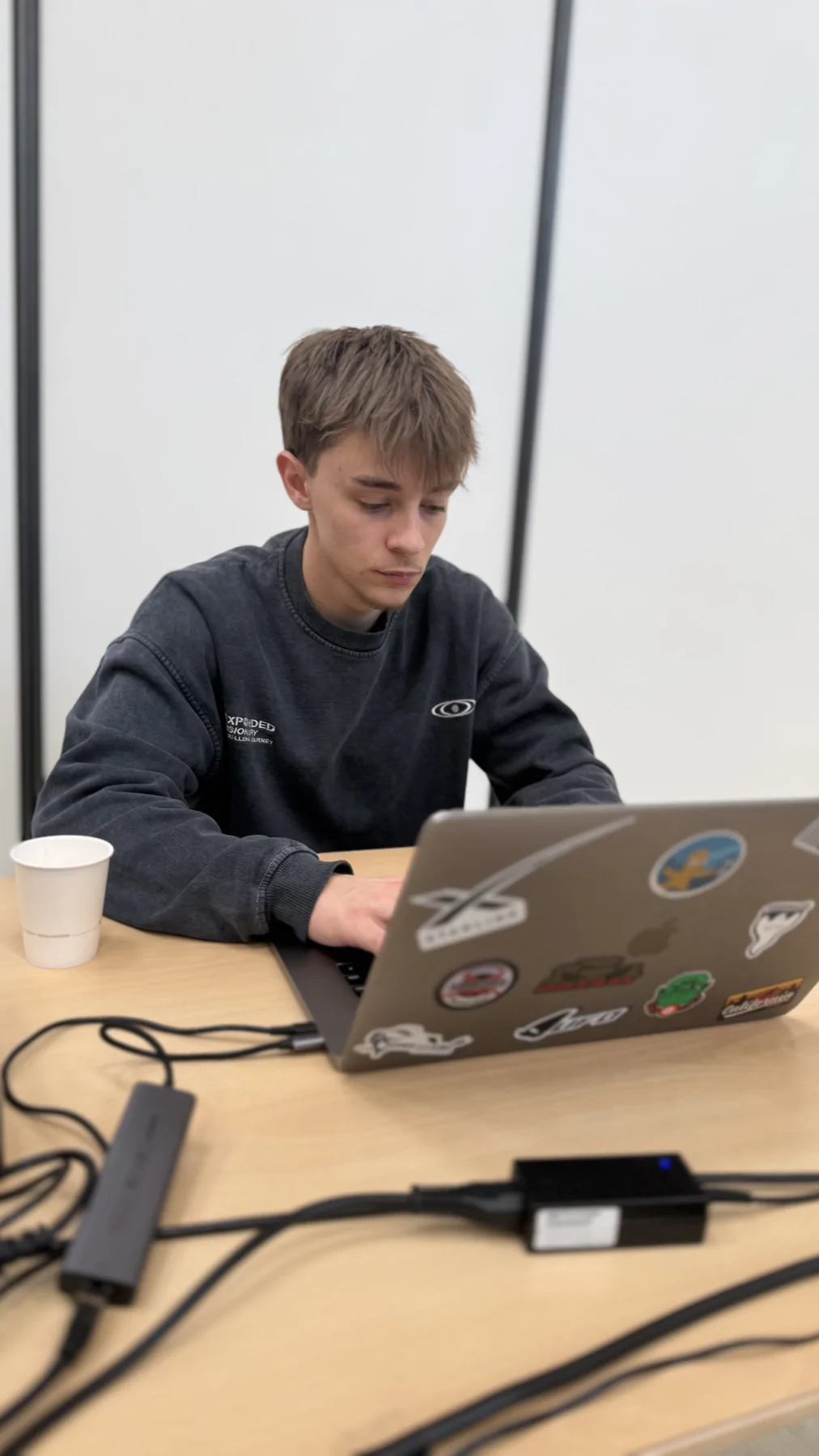
Develop a Windows fleet at the pace of users
A migration campaign involved individual planning, document protection and monitoring of the components of the posts already processed, with interventions still to be continued.
The right skills for the rest of your project.
Prepare building connections
Alltech completes IT work when the project requires cabling or physical installation.
Discover this skillAdapt the tools to the job
Dtouch intervenes for specific software and development needs.
Discover this skillAlso choose your equipment
The choice of hardware is prepared with your software, your users and the necessary peripherals. Explore the professional workstation ranges, then match the selection to your environment to prepare for configuration and data recovery.
Explore professional job rangesTo prepare your decision
Slow computing: what observations to transmit to move forward?
"It's slow" describes a real discomfort, but leaves many possible causes. A few specific observations help the technical team search the right place.
A mission to discover
Strasbourg Events Preparation and assistance of SPIE 2024 and 2026.
See the team and project stages