Start from your environment.
Windows environments have varied uses: office automation, files, management software or applications accessible on servers. An intervention must consider the links between these elements. Agedis supports you in preparing equipment, configuring access and monitoring system developments. The objective of the project is defined with you, based on the work of users, existing resources and the constraints of your professional software.
A change of version or a new application may affect several positions. The requirements of the publisher, licenses, storage and access are therefore to be examined before planning the passage. Our folders include the preparation of a Windows server for a business application and the study of post evolutions. Each intervention must maintain clearly identified steps and responsibilities.
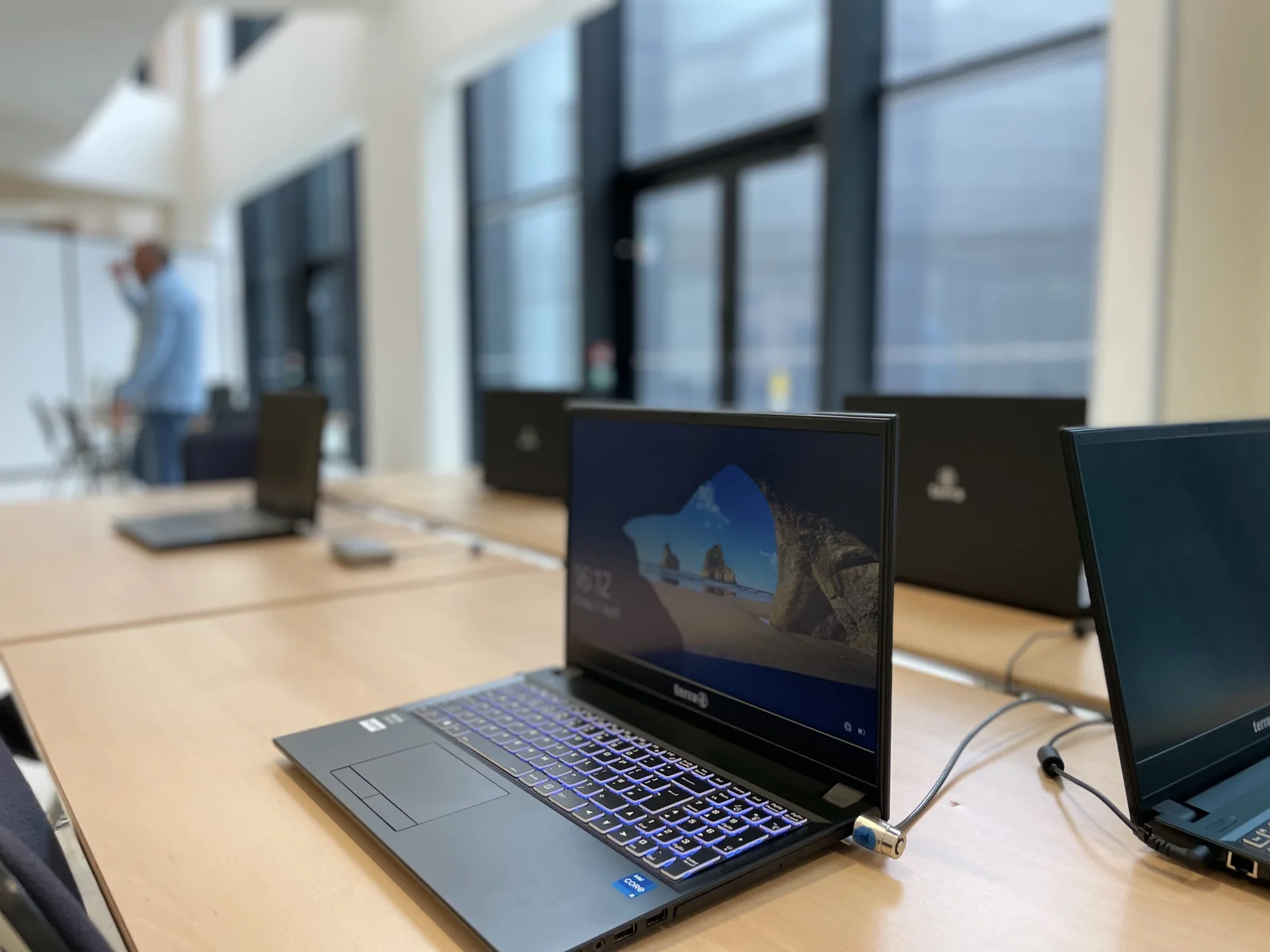
Adapt the station to its use
The choice of resources and devices depends on the expected work. We take into account the software present, the documents to be retrieved and the access necessary for the person.
Prepare server services
A hosted application requires that the publisher's prerequisites be reconciled with the resources available. The technical coordination allows to specify the system part and the application part.
Organize developments
Compatibility, backup and intervention window are discussed before a change. Monitoring then allows questions raised by users to be examined.
Develop the fleet according to the use of each station
A reception computer, a drawing station and a management laptop do not have the same constraints. We identify software, peripherals, available space and people who use each machine. The compatibility of the envisaged system and the requirements of the applications are checked before defining the interventions.
Depending on the condition of the park, the project may involve system evolution, storage or memory replacement, reposition preparation and data recovery. The equipment retained is distinguished from those that require replacement. This helps to argue choices with concrete elements, without imposing a uniform renewal.
Protecting documents before migration
Useful files can be scattered between the Windows desktop, personal folders, a server and a synchronized space. We specify with the user what must be taken and the copies to prepare before the intervention. Profiles, favorites and application settings are processed according to their environment; their recovery is not supposed to be automatic.
In a documented campaign, difficulties with certain equipment led to a reminder of the need to keep important documents in the designated network spaces. The planning and material monitoring were then completed over time. This experience invites us to organize the preparation of the position as well as its technical development.
Retrieve session, folders and devices
Control of a workstation can cover logon, messaging, authorized spaces, business applications and printing. The account rights and any licenses are compared to the uses to be retained. We work with the company manager and, when necessary, with the publisher of a specific application.
An operations record identifies the machine processed, the equipment replaced and the checks obtained. Points that still require a user test remain visible. For a mixed fleet, we also examine the exchanges with Macs, Linux servers and mobile devices present in the company.
Organize the deployment without blocking the entire team
The slots are prepared with the users: availability of the position, saving of documents and time required for checks. A first representative group can help adjust the method before continuing. Progress distinguishes between positions completed, those remaining to be processed and situations requiring a decision.
After the change, monitoring can incorporate updates, access requests and incidents encountered in actual activity. This work can be part of an outsourcing service. If an old application requires software adaptation, the subject is discussed with its publisher or studied with Dtouch for specific development.
Your questions
Can you accompany a transition to Windows 11?
The project begins by verifying the equipment and software involved. Upgrade options depend on compatibility and fleet needs.
Can you work with our software provider?
Yes. The discussions can focus on the server prerequisites, the necessary access and the organization of the intervention, distinguishing the responsibilities of each person.
Should we change all the computers at the same time?
A decision is made after inventory and compatibility verification. Progressive planning can distinguish between the machines to be kept, developed and replaced, taking into account working constraints.
Can your interventions be planned per user?
Yes. The planning can bring each machine closer to its user, the preliminary copies and the tests to be carried out. The operations and items remaining to be processed are monitored separately.
In practice
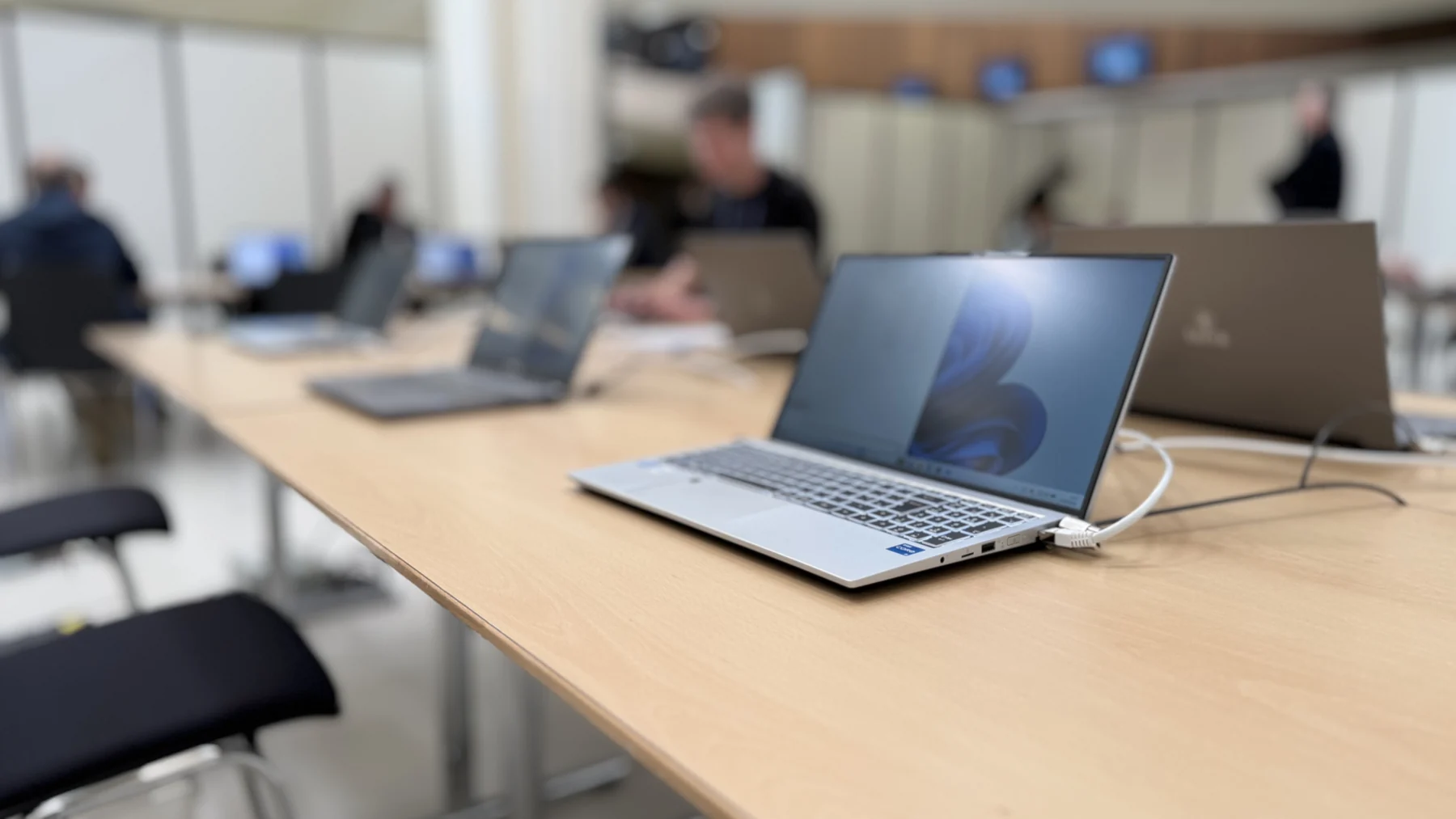
Develop a Windows fleet at the pace of users
A migration campaign involved individual planning, document protection and monitoring of the components of the posts already processed, with interventions still to be continued.
The right skills for the rest of your project.
Linking the system to business needs
Dtouch intervenes when software requires adaptation or specific development.
Discover this skillConsider an external reception
Cloudlab provides the data center component when the system must be hosted outside your premises.
Discover this skillTo prepare your decision
Organize a Mac, Windows, Linux and mobile fleet
A coherent park can bring together several systems. The subject is what each device should allow, with which accounts and what data.