
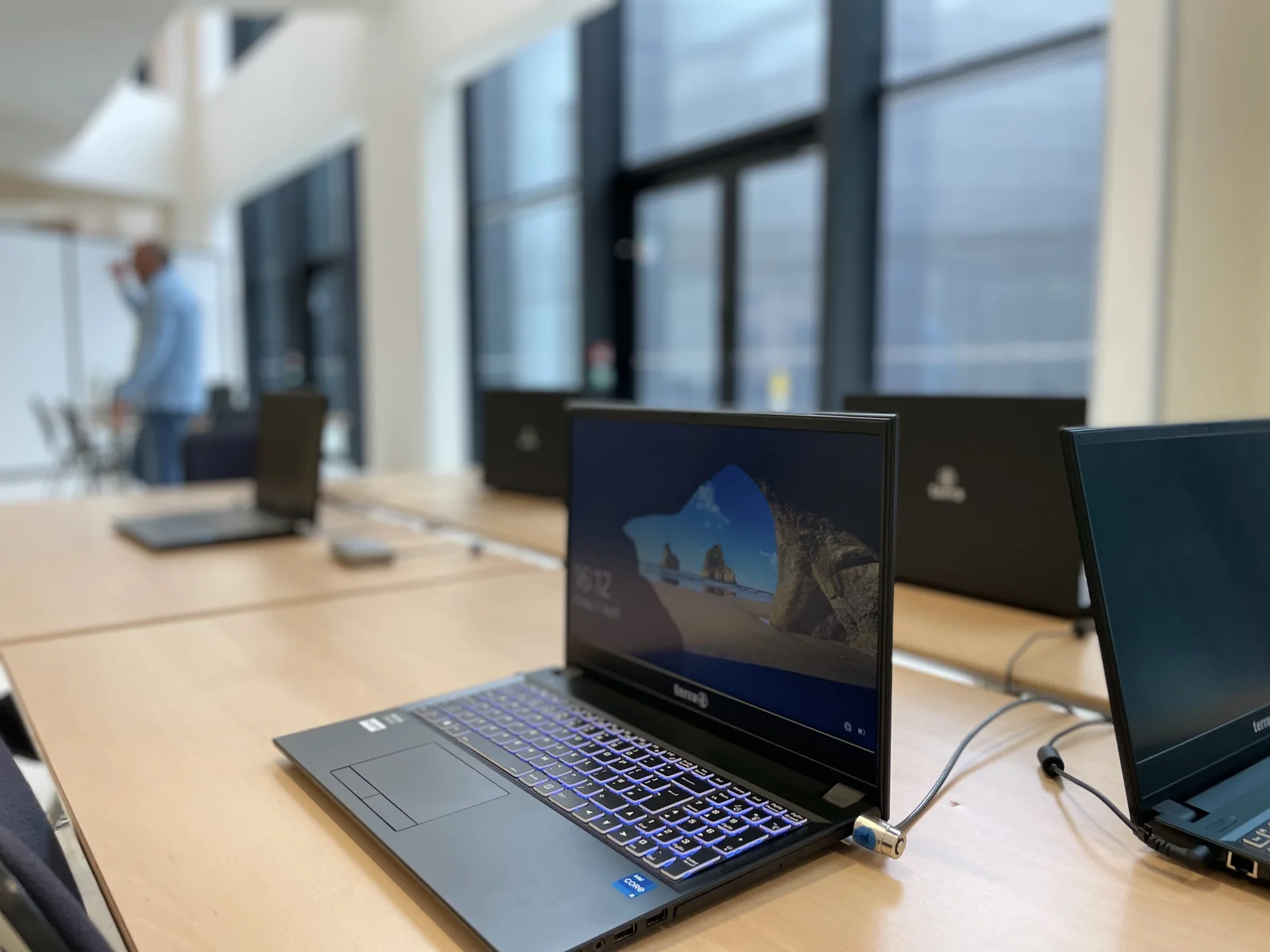
Classify devices by use, then by system
Start with the functions: reception, accounting, creation, management, mobility or technical equipment. Attach each device to a person or shared use. Note the essential applications and associated devices. This reading explains the differences in hardware before deciding to standardize them.
A Mac can respond to creative use and access common resources. A Windows workstation can depend on business software. Linux can provide service in the background. An iPad or Android tablet can carry a specific function to the home. The useful inventory keeps these roles visible.
Define meeting points
Identify the documents that teams exchange and the spaces in which they are kept. Check formats, read and write rights, email, and shared applications. An available connection alone does not guarantee that all uses will be the same on each system.
Then identify the accounts: user, shared box, application account and administration. Who authorizes access? Who modifies it when there is a change of function? Business decisions must be translated into relevant systems and verified with a representative session.
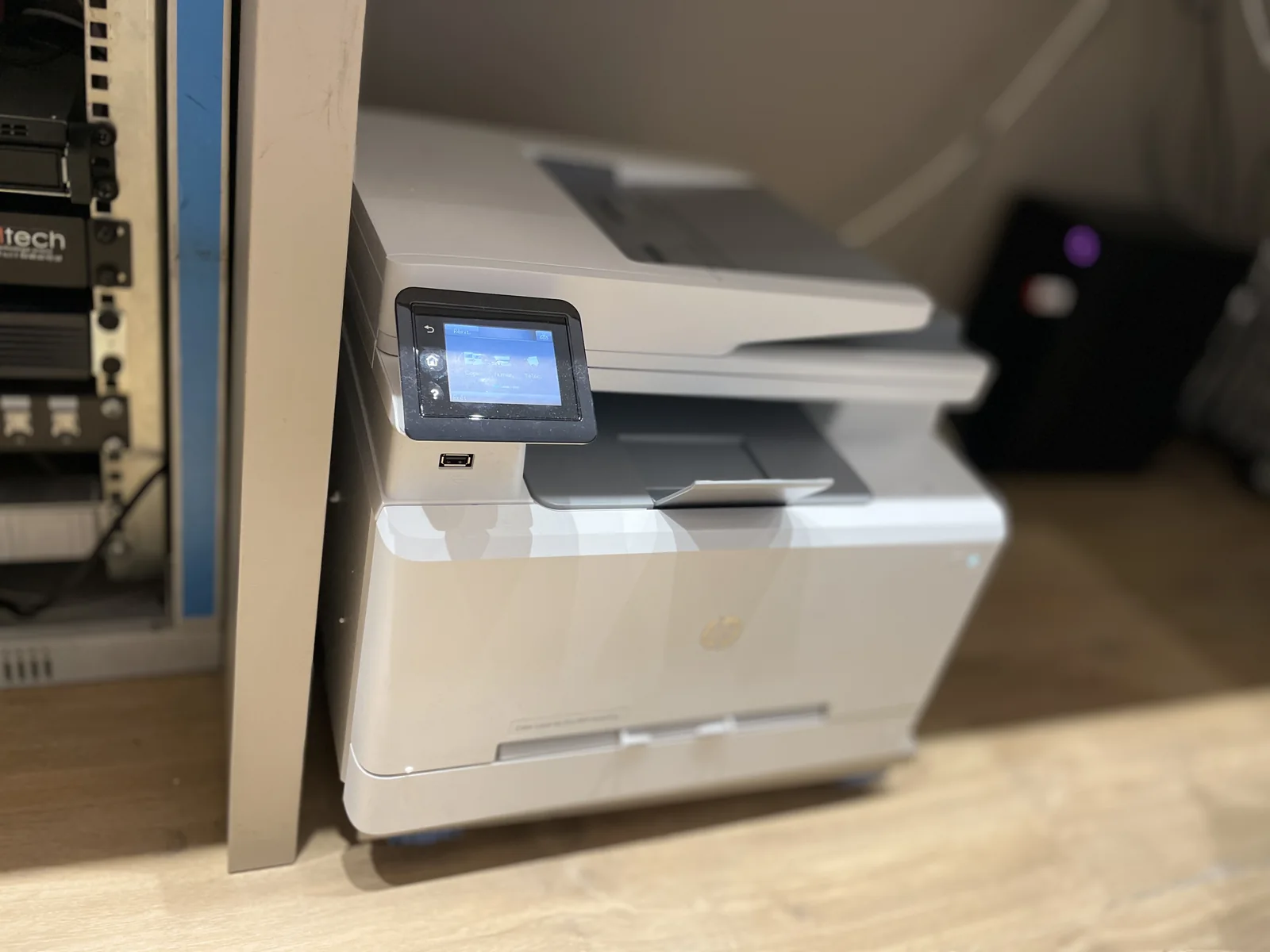
Prepare updates with applications
An important update requires knowledge of the software and peripherals on which the station depends. Prerequisites for publishers, licenses and recovery opportunities should be examined before intervention. Provide a niche and a short list of useful tests for the user.
A first representative apparatus can be used to check the conditions of passage before pursuing a group. The tracking distinguishes between the machines processed, the blocking points and those left to program. The shared equipment and positions used continuously require a particular organization to remain available.
Organize arrivals, departures and replacements
Upon the arrival of a collaborator, the preparation sheet can gather the position, software, authorized folders, messaging and peripherals. For a change of role, the responsible person specifies the rights to be changed. For a start, decisions also refer to the professional records to be kept and the material to be returned.
Replacement of a post or tablet should be used to retrieve the necessary accounts and applications. Determine what is stored locally and what is already available on a shared service. Prepare for the recovery of content and the processing of old equipment before removing anything.
Choose a level of monitoring adapted to your organization
A small park may require a clear inventory and ad hoc assistance; several sites may request a more structured organisation of interventions. Park management tools are based on the responsibilities, equipment and functions expected. Their implementation is a project with its conditions and budget.
The objective for the business manager is to have stable benchmarks: who uses what, where the data is, who validates access and to whom to transmit an incident. Agedis can prepare this organization with your team, then connect station, server and mobility needs.
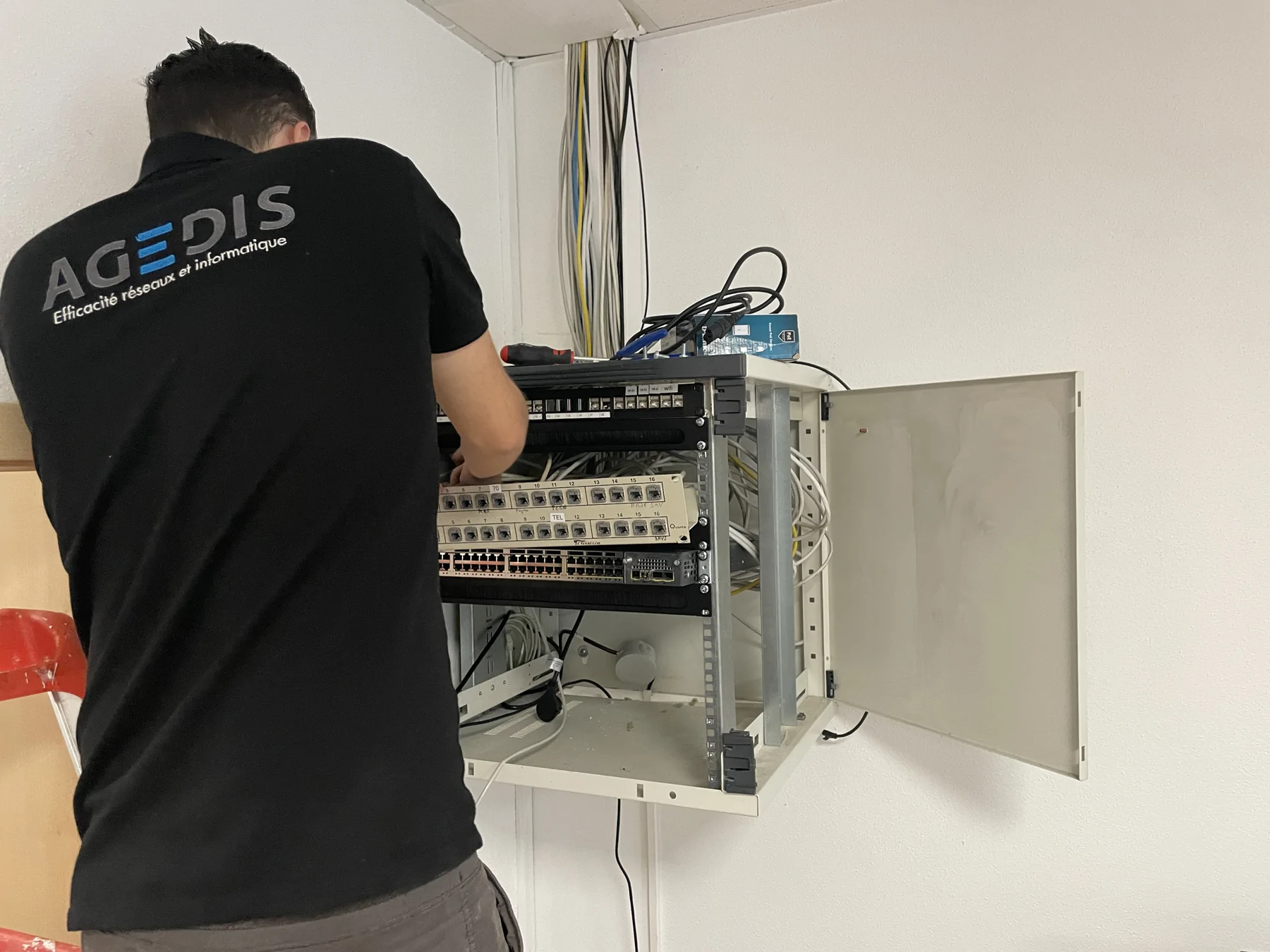
To be prepared for your next exchange
- Devices attached to one person or shared use
- Essential applications and peripherals identified
- Common data, accounts and rights identified
- Organized updates and checks
- Arrivals, departures and replacements prepared
An experience to read
View the steps and lessons of the fileTo explore further: Apple: prepare for the deployment of company devices.