A telephone station must be restored to its place in the organisation of the company. Agedis prepare the equipment Yealink with the telephone system, accounts, network and referral rules. For reception, we look at transfers and visibility on calls; for mobile users, the coverage of workspaces. The two examples below respond to these different gestures and serve as the basis for a configuration compatible with the chosen standard.
Yealink is a solution selected by Agedis. This focus presents the products and their integration into your environment.
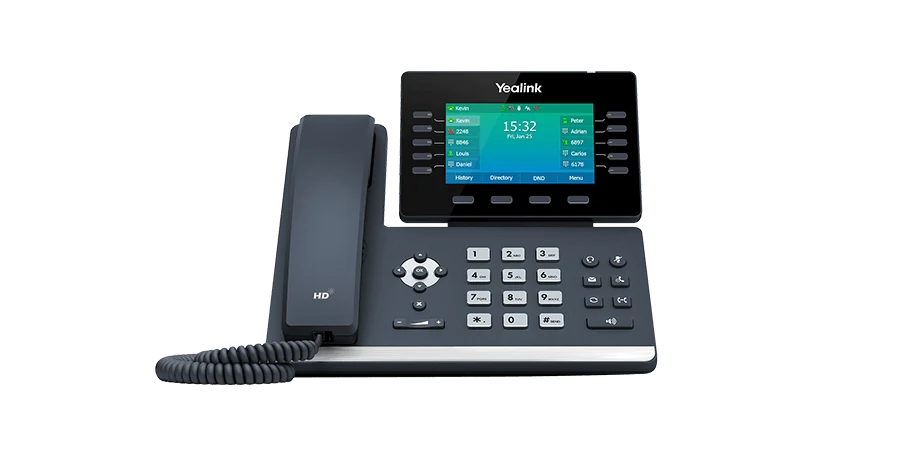
The T54W is an IP phone with adjustable color screen, integrated Bluetooth and Wi-Fi. It is suitable for the study of a position where the user handles several calls and contacts. The power supply, any headset and the useful keys are prepared with the switchboard configuration.
To be prepared: transfers, supervision, helmet and network available.
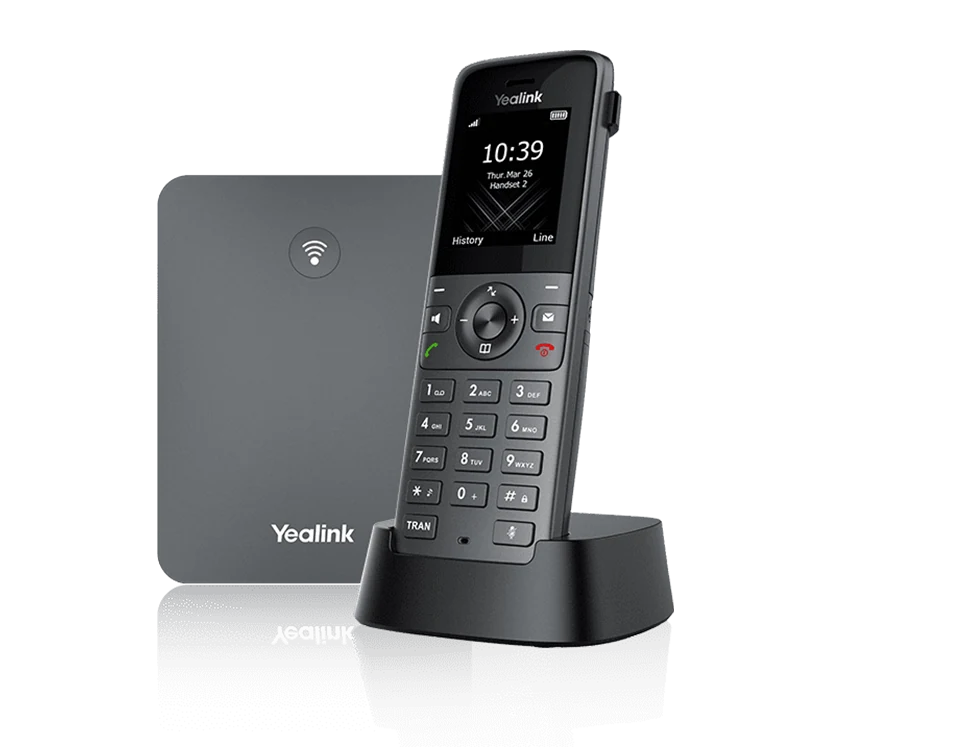
The W73P combines an IP base and a DECT handset. The handset communicates with its base by radio; the base joins the telephone network. Coverage must be checked in the spaces actually covered, with their walls, floors and work areas.
To be prepared: travel route, coverage and simultaneous calls.
Visuals and denominations: Yealink. Presentation of the ranges consulted on October 18, 2026; references, options, licenses, terms of service and availability are confirmed in your proposal.
It depends on the service and available settings. You need a compatible telephone service and a suitable configuration; the network connection alone does not provide a line.
Are DECT and Wi-Fi equivalent?
These are separate radio modes. A DECT handset uses its compatible base; satisfactory Wi-Fi coverage does not prove DECT coverage.