
Start from your environment.
A printer or scanner must respond to concrete uses: editing a document at the reception, scanning a folder, sharing equipment or working in a limited space. Agedis When selecting these tools, you will be assisted by taking into account the format, volume, expected functions and positions involved. The constraints of location and connection are part of the reflection before retaining equipment.
The office is connected to the rest of the park. A Mac or Windows station, a network connection and management software can be involved in the same printing or scanning process. We examine these dependencies to prepare for the integration and explain the possibilities of the chosen hardware. The goal is to tailor features to the people who use them, rather than piling on options unrelated to their daily work.
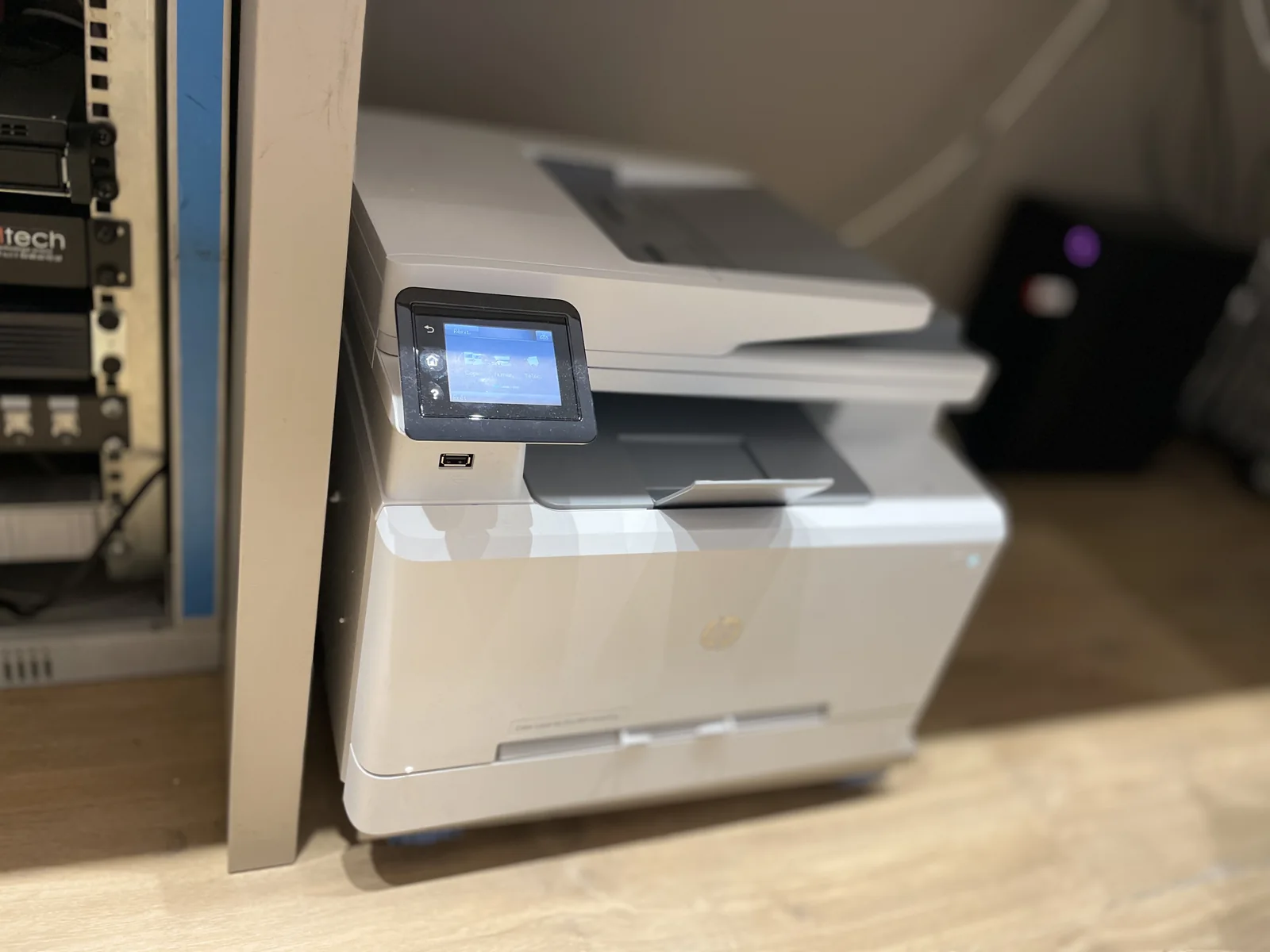
Choose the necessary functions
A4 or A3 format, double-sided, color, copy and scanning are defined according to the documents produced. The choice must also take into account the volumes and space available.
Preparing for shared uses
Equipment accessible to several people requires clarification of the positions concerned, the connection and the permitted functions. Compatibility is verified for the chosen environment.
Equip mobile situations
A portable scanner or compact device can meet a one-time need or displacement. Its relevance depends on the format of the documents and the conditions of use.
Printing is part of the workplace
A printer or copier must integrate with computers, network and team habits. We review Windows and Mac posts, document formats used and expected functions: printing, scanning or sending to a shared space. Site constraints and consumables are part of the elements to be discussed with the supplier.
Preparation may cover connection, drivers and settings on the stations. A check with a representative document helps verify the expected result: format, double-sided, color or other option available on the material selected. Functions are not assumed to be identical on all systems.
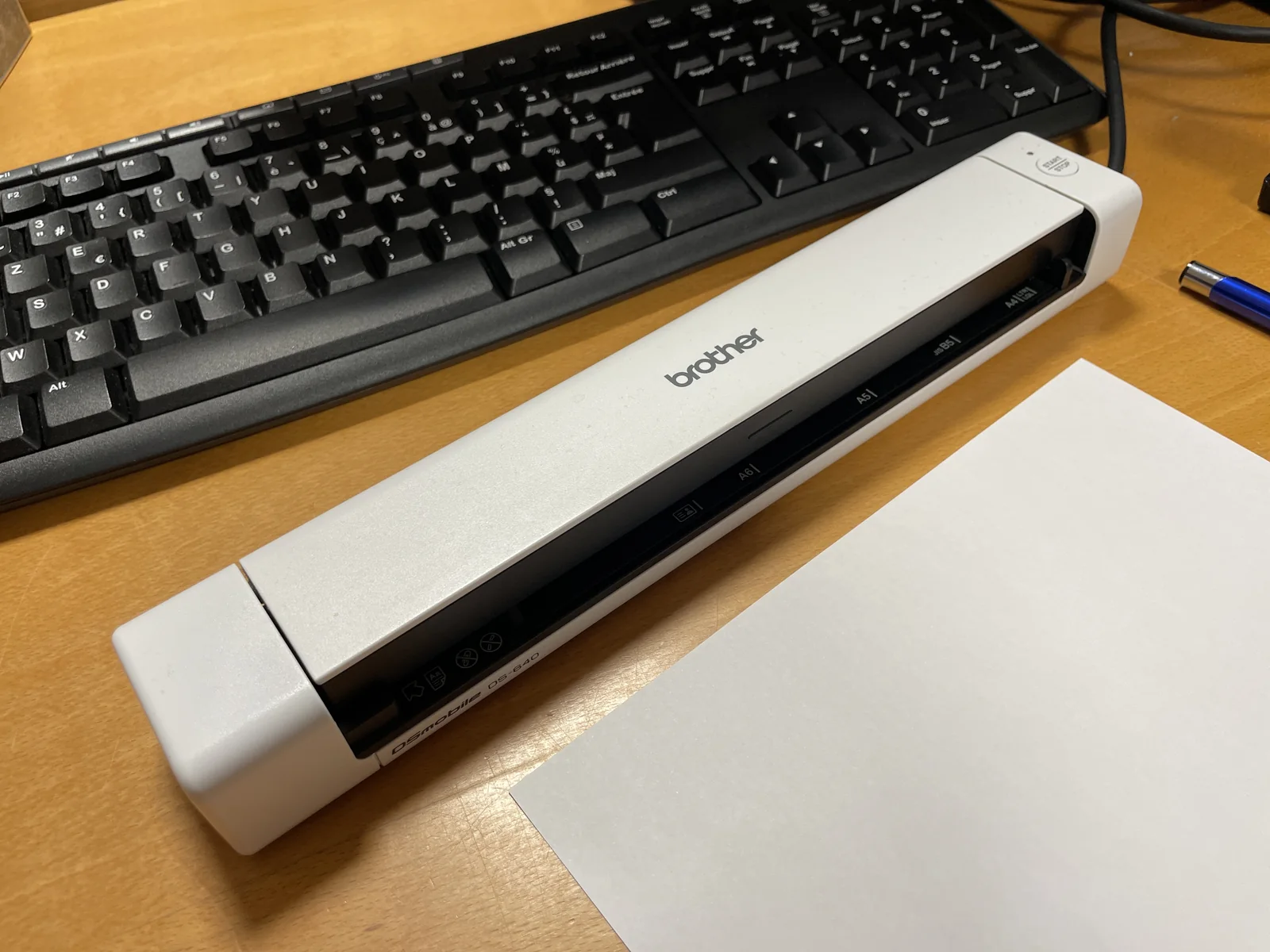
Prepare digitisation to the right recipients
A digitized document may be sent by courier or filed in a folder. These uses depend on an account, authorisations and a service accessible on the network. We specify the desired destination and the people who should be able to retrieve the files, with the corresponding configuration responsibilities.
A change in password, server or email may have a consequence on the copyer. The coordination between the hardware supplier and the system team allows for the verification of these dependencies. Identifiers and administrative information shall be exchanged by appropriate means, without including them in a public application.
A diagnostic that distinguishes document and connection
When a print gets stuck, we look at the scope: a file, an application, a position or the entire team. A witness document, the status of the queue and the connection conditions give different indications. For scanning, the recipient and the error return allow you to specify the continuation of the checks.
The intervention may concern the workstation, the network configuration or the equipment provider. Mechanical operations, consumables and maintenance of the copier are identified in the corresponding contract. We thus keep a clear path for the user and a clear relay for resolution.
Anticipate a replacement or move
Changing equipment requires preparing the connections, the workstations to be reconfigured and the scanning uses to be resumed. A record of these elements avoids discovering after delivery that an essential service was not planned. Tests and people responsible for validation can be planned with the company.
If network connections or implantation need to evolve, Alltech may supplement the on-site intervention. Agedis Supports the configuration of systems and positions. The functions of automatic filing or processing of documents may be studied separately with Dtouch where development is necessary.
Your questions
Can you advise equipment for Mac and Windows?
Yes. The expected functions and versions of the systems are examined with the possibilities of the hardware, in order to prepare for its use on the workstations concerned.
Should you choose multifunction equipment?
It depends on the uses and the organization. Printing, copying and scanning can be grouped together, provided that volumes and work methods justify it.
Can the same printer be used for Macs and PCs?
You should check the drivers and features available for the affected system models and versions. We prepare the settings and tests on the stations actually used.
Is scanning to a folder server dependent?
It may depend on a sharing, an account and access rights. These parameters are recorded during an evolution of the server or copier to prepare the necessary checks.
The right skills for the rest of your project.
Linking documents to the business process
Dtouch studies integrations when a document must join a management path or a specific application.
Discover this skillTo prepare your decision
Organize a Mac, Windows, Linux and mobile fleet
A coherent park can bring together several systems. The subject is what each device should allow, with which accounts and what data.